Building a resume sounds simple—until you actually sit down to do it. You open an old file. You tweak a few lines. Then you notice the formatting is broken. Next, you wonder if your skills match the job. After that, you question whether your resume looks “professional enough.”
That’s why many job seekers start with a free resume generator. It lowers the barrier to getting started. It turns messy ideas into structure. And it helps you create a clean first draft quickly, even when you’re short on time.
Still, free tools work best when they’re used as part of a bigger process—not as the whole process. So, let’s explore where they fit, when they help most, and how to use them smartly.
The resume-building process is more than formatting
A strong resume is not just a nice-looking page. Instead, it’s a clear message: Here’s what I can do, and here’s proof.
Most successful resumes go through stages:
-
Collecting your experience and achievements
-
Choosing a structure that matches the role
-
Tailoring content to the job description
-
Ensuring ATS-friendly formatting
-
Reviewing and refining for clarity
Free generators mainly support stages 2 and 4. However, they can also speed up stage 1 by giving you prompts and sections to fill.
Where free resume generators help the most
1) Getting a clean first draft—fast
When you’re stuck, starting is the hardest part. A generator makes starting easier because a layout is already provided. Then you just fill in details.
As a result, you move from “blank page” to “workable draft” in minutes.
2) Creating structure that recruiters can scan
Recruiters scan. They don’t read line-by-line at first. Therefore, structure matters.
Many free tools help you build a resume that is:
-
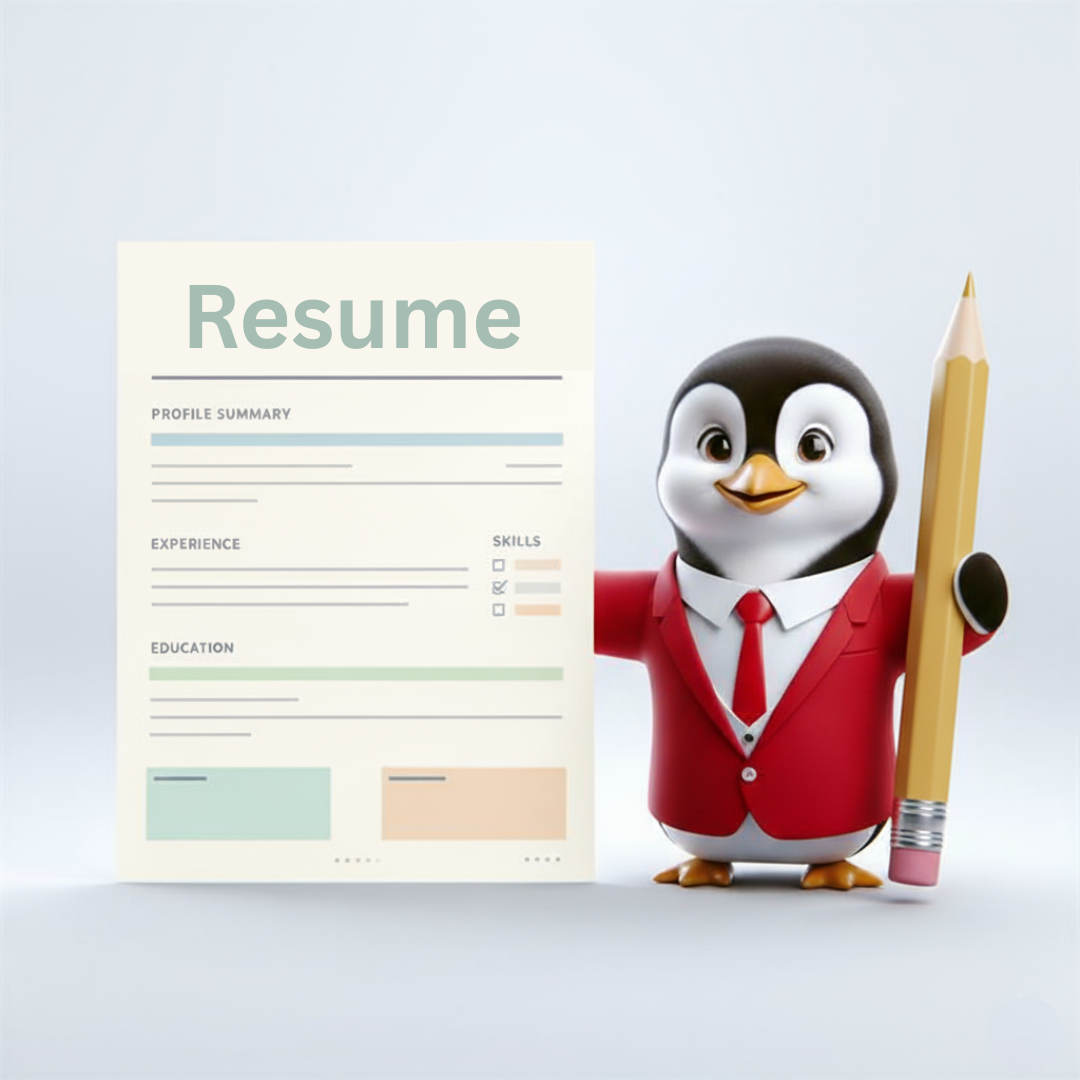
Sectioned clearly (Summary, Skills, Experience, Education)
-
Easy to skim
-
Short on long paragraphs
-
Focused on bullet points and outcomes
That readability can boost your chances, especially in competitive roles.
3) Supporting ATS-friendly layouts by default
ATS systems can struggle with complex formatting. Free tools often use simple templates that are easier for ATS to parse.
So, instead of worrying about margins, fonts, or spacing, you get a clean format that works for most hiring systems.
4) Helping job seekers who are early in their career
Freshers, interns, and career switchers often struggle with what to include. In that case, templates guide them.
They highlight useful sections such as:
-
Projects
-
Certifications
-
Tools and skills
-
Internships and training
Because of that, the resume feels complete, even when formal experience is limited.
Where free tools can fall short
Free options are useful. Yet they often come with limits. So, it helps to know what to watch for.
Limited customization
Some free tools offer only a few layouts. Others restrict spacing, order of sections, or formatting. Therefore, tailoring for different roles can become harder.
Export issues
In certain tools, the clean export (PDF/DOC) may be locked behind a paywall. Or the export may reduce quality. So, always check the final output before applying.
Generic wording
Some tools suggest common phrases that sound safe—but also sound boring. Because of that, your resume can blend in unless you add real impact.
The smart way to use a free resume generator in the process
Here’s a practical workflow many job seekers follow:
Step 1: Create your “base content”
Before you touch any tool, write down:
This step makes everything else easier.
Step 2: Build a clean draft using a free tool
Now, use a free resume generator to organize your content into sections. Choose a template that is simple and readable.
At this stage, don’t overthink perfection. Instead, focus on completeness.
Step 3: Tailor the top section for each application
For each role, adjust:
Small edits create a big “fit” signal.
Step 4: Improve bullets with proof and metrics
This is where most resumes improve the most.
Replace duty-based lines with impact lines like:
-
Increased, reduced, improved, delivered, built, streamlined
-
Add numbers when possible (%, time, volume, revenue, cost)
Even one strong metric can change how your resume is perceived.
Step 5: Final review before applying
Before sending, check:
-
Consistent tense and clean grammar
-
No long paragraphs
-
Clear dates and titles
-
File name matches the role
-
Layout looks good on mobile
This last step is often skipped. Yet it matters.
When to move beyond free tools
Free tools are perfect for getting started. However, you may want a stronger solution when:
-
You’re applying to many roles and need multiple versions
-
You want advanced tailoring and better version control
-
You need more templates and stronger formatting options
-
You want a more guided, professional workflow
At that stage, upgrading your process can save time and improve results.
Use HRTailor.AI Resume Builder to refine and tailor faster
If you want to go beyond a basic draft and create role-ready resumes efficiently, Try HRTailor.AI – Resume Builder. It helps you build clean, professional resumes and refine them for real job applications—so you can stay consistent, ATS-friendly, and confident while applying.