How to Create a Professional Resume Online with AI (Step-by-Step)
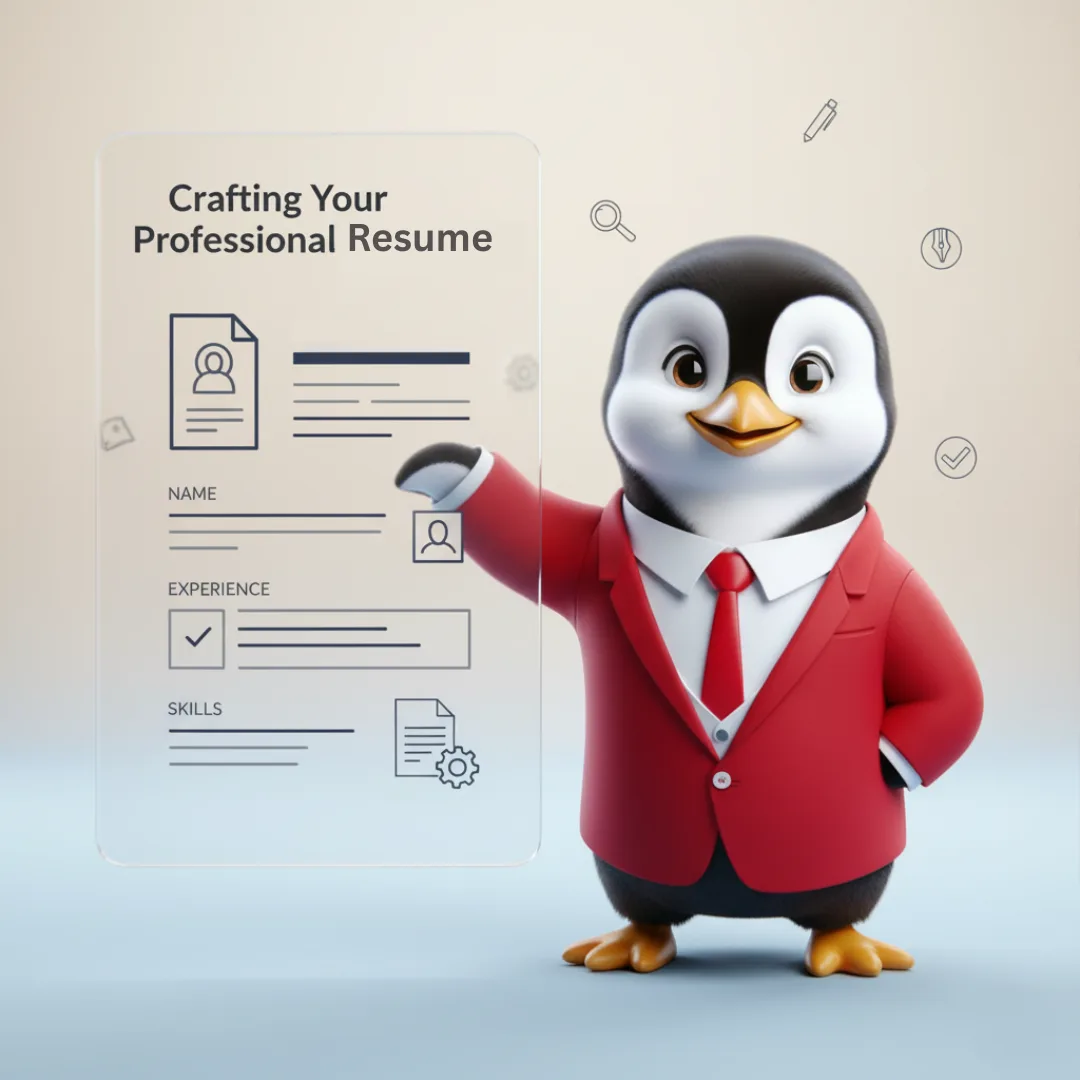
To create a professional resume online with AI, pick one target job, give the AI builder your real experience, let it draft role-specific bullet points, then edit every line until it is accurate and specific. Finish with an ATS-friendly template and export both a PDF to send and an editable Word file to keep. Done this way, a strong first draft takes minutes, and the time you save goes into tailoring each application.
This guide walks through the full process step by step, including what to prepare, how to turn duties into achievements, how resume conventions differ by country, and the mistakes that quietly cost interviews.
What an AI resume builder does, and what it does not
A plain template gives you formatting and leaves the hardest part, the words, entirely to you. An AI resume builder works the other way round. You give it a job title and a few lines about what you did, and it drafts achievement-focused bullet points tuned to your target role, industry and country. You then edit those lines into your own story.
What it cannot do is know facts it was never told. It does not know your actual numbers, the size of your team, or which project you are proudest of. If you accept a generated line that claims a result you never achieved, you will have to defend it in an interview. Treat the AI as a fast first-draft writer and yourself as the editor who signs off on every word.
| Task | AI builder is good at | You must supply or check |
|---|---|---|
| Bullet points | Turning duties into achievement-style statements | Real numbers, scope and outcomes |
| Keywords | Using the vocabulary of your target role | That each keyword reflects a skill you actually have |
| Layout | Clean, consistent, ATS-parseable formatting | Final length and section order |
| Summary | A concise opening headline | That it matches the specific job you are applying for |
Before you start: gather these details
Ten minutes of preparation makes the AI draft far better, because the output can only be as specific as the input. Collect:
- The job posting you are targeting, saved as text, so you can compare its requirements with your resume.
- Your work history: employer names, job titles, start and end months, and locations.
- Three to five wins per role, with whatever numbers you can honestly support: revenue, cost saved, time cut, volume handled, people managed, error rates reduced.
- Education and certifications, with the year completed.
- Skills and tools you use regularly, not ones you touched once.
- An old resume, if you have one, so you can import it rather than retyping.
How to create your resume with AI, step by step
Step 1: Start from scratch or import what you have
If you already have a resume, import it. Rewriting an existing document is faster than starting blank, and it keeps dates and job titles consistent. If you are starting fresh, enter your details section by section: contact information, work history, education and skills.
Step 2: Set the target role, industry and country
This is the single most important setting. A resume for a financial analyst role in London should read differently from one for a sales manager role in Dubai. Choose the job title you are applying for, not the one you hold today, so the drafted bullets lean towards what the new employer wants to see.
Step 3: Generate bullet points, then make them yours
Let the AI draft bullets for each role, then edit them using a simple formula: action verb + what you did + measurable result. Replace any placeholder or vague phrase with your real figure. If you do not have a number, describe scope instead (how many clients, which regions, what size of budget).
Example (hypothetical): a vague line such as “Responsible for handling customer complaints” can become “Resolved 40 to 50 customer escalations a week and introduced a weekly root-cause review that cut repeat complaints for the top three product issues.” The second version tells a recruiter what you did, how much, and what changed.
Step 4: Tailor keywords to the job posting, honestly
Read the posting and list its must-have skills, tools and qualifications. Where you genuinely have them, make sure they appear in your experience bullets, not just in a skills list. Use the employer’s wording: if the posting says “stakeholder management”, do not only write “worked with other teams”. Never add a skill you cannot discuss in an interview. For a deeper method, see our guide on tailoring your resume to any job description.
Step 5: Write a short, targeted summary
Two or three lines at the top: who you are professionally, your strongest relevant skill, and one proof point. Ask the AI for a draft, then cut anything generic such as “hardworking team player”. A summary should only fit you and this type of role.
Step 6: Choose a clean, ATS-parseable template
Many employers screen applications with an applicant tracking system (ATS), software that reads your resume into a database before a person sees it. Pick a single-column-friendly layout with standard headings such as Experience, Education and Skills. Avoid tables, text boxes, icons and graphics for important information, because they can scramble parsing. Our step-by-step guide to building an ATS-friendly resume with AI covers this in more detail.
Step 7: Proofread, export and keep versions
Read the whole document aloud once. Check dates line up, tenses are consistent (past tense for past roles), and your contact details are correct. Export a PDF with selectable text for applications and keep an editable Word copy for future changes. Save each tailored version with the company name in the file name so you know exactly what you sent.
Resume conventions differ by country
Hiring norms vary, and a good AI builder adjusts tone and structure to your target market. The table below lists common conventions; always follow any specific instructions in the job posting first.
| Market | Common length | Personal details | Notes |
|---|---|---|---|
| United States | One page for most early and mid-career roles, two for senior | Usually no photo, date of birth or marital status | Strong focus on quantified achievements |
| United Kingdom | Usually two pages, often called a CV | Usually no photo or date of birth | Short personal profile at the top is common |
| India | One to two pages; longer for senior roles | Varies by employer; some still ask for more personal details | Education, certifications and projects carry weight, especially for freshers |
| UAE and wider Gulf | Two pages is common | Nationality, visa status and notice period are often included | Availability and relocation status can matter to recruiters |
If you are applying across several markets, keep one master resume and produce a country version for each. Our overview of resume formats for the USA, UK, India and UAE shows the differences side by side.
Who gets the most out of an AI resume builder
- Job seekers applying to several roles get a tailored version for each posting without starting over every time.
- Career switchers can reframe past experience in the language of the new field, so a recruiter sees the fit quickly.
- Students and new graduates can turn coursework, projects and internships into a professional format. Lead with education and projects, and describe what you built or delivered. Our guide for freshers using a resume builder has examples.
- Experienced professionals can refresh an old resume that lists duties into one that shows results, in a fraction of the time it would take by hand.
Common mistakes AI can help you avoid, and ones it cannot
| Mistake | How to fix it |
|---|---|
| Listing duties instead of results | Use the action + task + result formula for every bullet |
| One generic resume for every job | Tailor summary, top bullets and skills to each posting |
| Design-heavy layouts with columns, icons and tables | Use a clean, single-column-friendly template with standard headings |
| Clichés such as “team player” or “go-getter” | Replace each with a specific example of the trait |
| Accepting AI text without checking it | Verify every figure, title and date; delete anything you cannot back up |
| Inconsistent dates and tenses | Use one date format throughout and past tense for past roles |
| Image-only PDF | Export a PDF with selectable text and keep a Word version |
AI handles formatting and phrasing well. It cannot fix a resume that lacks real evidence, so the quality of your inputs still decides the result.
Final checklist before you hit send
- The job title in your summary matches the role you are applying for.
- The top three bullets of your latest role reflect the posting’s main requirements.
- Every number is real and you can explain how you got it.
- Headings are standard and the layout has no text boxes or graphics carrying key information.
- Your email address and phone number are correct and professional.
- The file name includes your name and the role, for example “Priya-Shah-Data-Analyst.pdf”.
- You have saved a copy of exactly what you sent.
Pair the resume with a short cover letter written for the same posting; a tailored letter explains the fit in a way bullets cannot. For more on structuring the whole document, see our step-by-step guide to building a winning resume online.
Try it with HRTailor.AI
The HRTailor.AI Resume Builder follows the same flow described above: start from scratch or import an existing resume, let the AI tailor bullet points to your target role, industry and country, refine the wording, and export a PDF or an editable Word file. Building, editing and PDF download are free to start, and every line stays editable. When your resume is ready, the Cover Letter Generator can draft a matching letter for the same job. As with any AI output, check every detail before you send it.
Related reading

Frequently Asked Questions
Yes. Building, editing, AI bullet points, ATS templates and PDF download are free to start. Premium adds more templates, unlimited AI tailoring and advanced customization.
The builder uses single-column-friendly layouts, standard headings and selectable-text PDFs, which applicant tracking systems read reliably. No tool can guarantee how every employer’s system will rank a resume, so tailor the content to each posting too.
Yes. You can edit, re-download, or even generate new versions for different job applications.
AI creates impactful resumes for freshers by focusing on skills, education, and projects instead of work experience.

How to Create a Workplace Code of Ethics: A Practical Guide.
How to Create a Workplace Code of Ethics: A Practical...
Read More
How to Calculate Employee Attrition Rate: Formula and Examples.
How to Calculate Employee Attrition Rate: Formula and Examples. Understand...
Read More
What Is a Performance Improvement Plan (PIP)? Steps, Examples and Template.
What Is a Performance Improvement Plan (PIP)? Steps, Examples and...
Read More
The HR Compliance Gaps That Quietly Turn Into Fines
The HR Compliance Gaps That Quietly Turn into Fines Introduction...
Read More