
How AI Turns a 6-Second Resume Scan
Into a Job-Winning Impression
Introduction
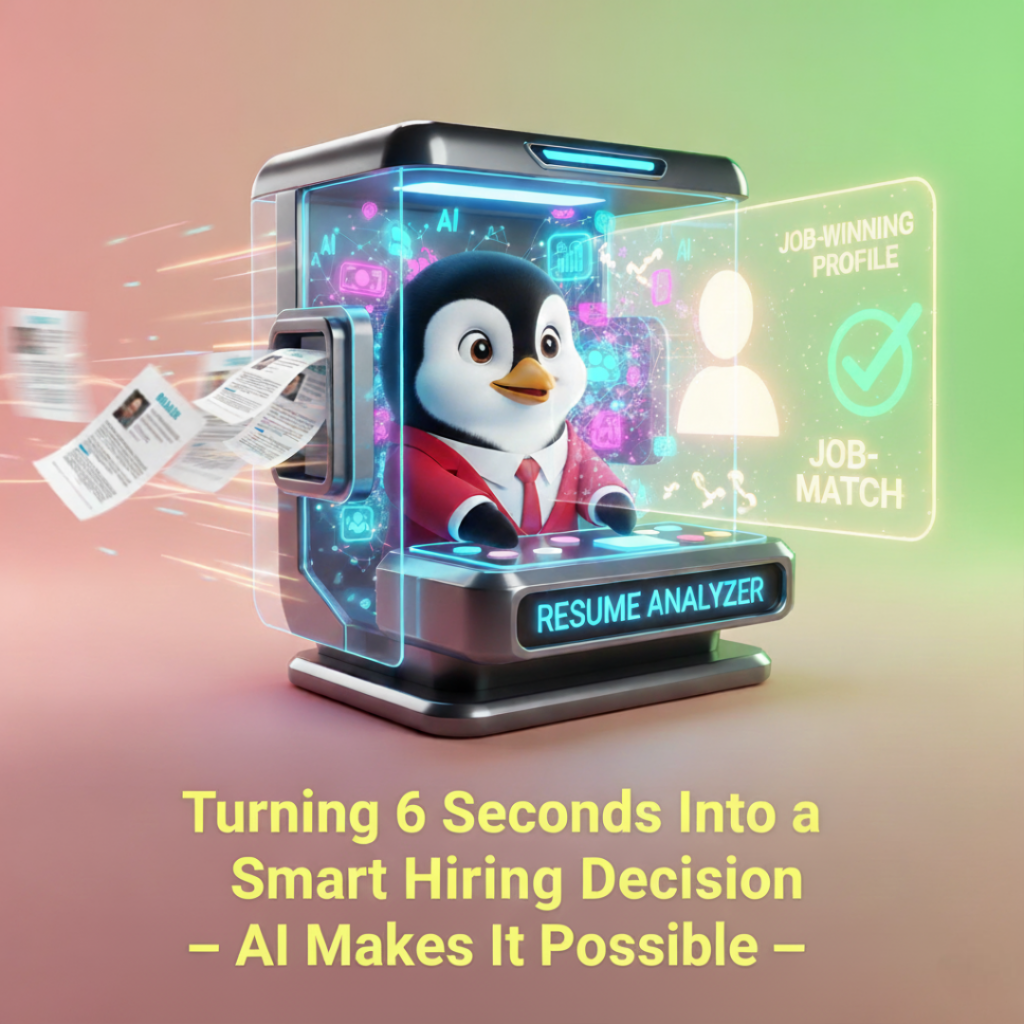
Recruiters really do skim. And yes, the first scan often lasts around six seconds. In that tiny window, your resume either signals “perfect fit” or fades into the pile. Fortunately, AI makes those seconds count.
This guide shows how AI lifts your resume from “looks fine” to “calls me now.” You’ll learn what recruiters see first, how Applicant Tracking Systems (ATS) pre-filter everything, and how to convert quick glances into immediate traction. Moreover, you’ll get step-by-step frameworks, examples, and a practical checklist you can apply today.
The 6-Second Reality (And Why It’s Not Bad News)
Six seconds sounds brutal. However, it’s also an opportunity. Because recruiters skim for patterns, you can design your resume to hit the right cues fast. As a result, you reduce cognitive load and increase perceived fit.
What do eyes catch first?
- Your name and title (or target role)
- The professional headline/summary
- Your most recent role and employer
- A few top bullets (especially numbers)
- Skills cluster or keywords near the fold
If your top third tells a sharp story, the scan becomes a click, and the click becomes a call.
What AI Does Differently (And Better)
Traditional rewriting takes hours. Yet AI can restructure, rephrase, and reformat in seconds. More importantly, good tools use job-specific context. Therefore, the output isn’t generic—it’s targeted.
AI can:
- Map your resume to a specific job description, surfacing the most relevant achievements first.
- Rewrite vague bullets into quantified, outcome-driven statements.
- Standardize formatting and headings for ATS scanning.
- Suggest missing hard skills and crucial domain keywords.
- Adapt content for regional norms (USA, India, Middle East, EU/UK).
Because the model prioritizes relevance, your resume delivers instant “fit signals” during that first skim.
The “Scan-First” Layout: Design for How People Read
Even the best content fails when buried. Thus, use a layout that respects skim behavior.
Top third essentials
- Title aligned to target role: “Senior Data Analyst (e-commerce | A/B testing | SQL, Python)”
- 2–3 line summary: Purpose, scope, standout metric.
- Key skills cluster: 8–12 skills, role-specific, ATS-friendly.
Experience section
- Recent roles first: Reverse-chronological.
- 3–5 bullets per role: Each starts with a verb and ends with an outcome.
- Numbers early: Put the metric up front when possible (e.g., “Increased…”).
Formatting
- Clean headings, consistent dashes, and simple bullets.
- No tables, text boxes, or heavy graphics.
- Adequate white space; readable line length.
With these choices, your resume “loads” instantly in a recruiter’s brain.
Bullet Makeover: From Tasks to Outcomes
Responsibilities describe activity. Achievements prove value. Consequently, AI rewrites should anchor on outcomes.
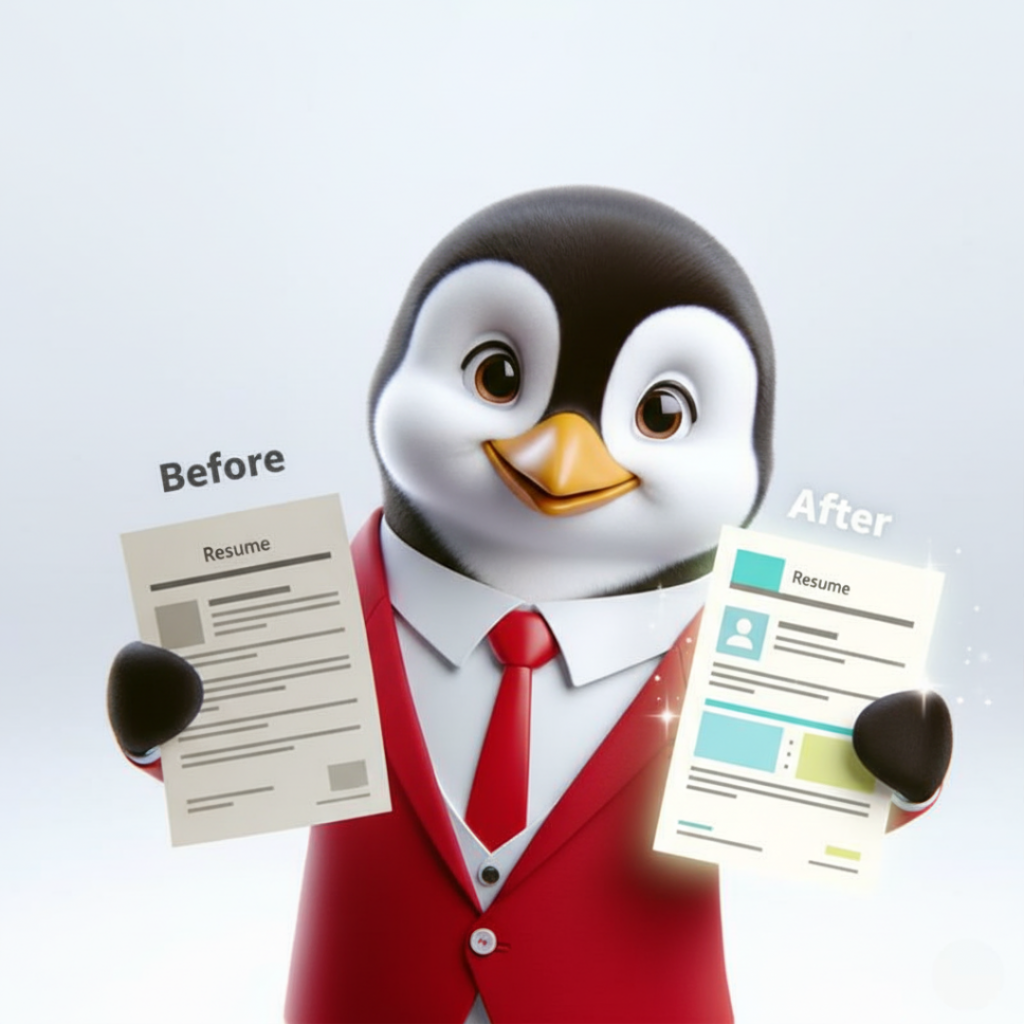
Before (weak):
- Managed email campaigns for product launches.
- Worked with sales to improve MQLs.
- Responsible for dashboards.
After (strong):
- Launched 12 targeted email campaigns that lifted new-feature adoption by 18% within 90 days.
- Partnered with sales to refine lead criteria, improving MQL-to-SQL conversion from 24% to 33% in two quarters.
- Built automated product dashboards used weekly by leadership, reducing manual reporting time by ~8 hours/month.
Notice the verbs, the numbers, and the clear business impact. Accordingly, these bullets “pop” in a skim.
Keyword Strategy Without Keyword Stuffing
Keywords help ATS route your resume. Still, stuffing hurts readability. Instead, bake keywords naturally into headings, bullets, and your summary.
Practical approach
- Extract top 8–12 keywords from the target job description.
- Prioritize hard skills (tools, frameworks, platforms) plus 2–3 domain terms.
- Place them in the skills cluster and sprinkle into bullets where they make sense.
- Avoid repeating the same word more than necessary.
Because the text stays human-friendly, your resume appeals to both ATS and recruiters.
The “Narrative Ladder”: A Simple Story Recruiters Can Climb
Great resumes read like a quick story. Therefore, use this ladder:
- Who you are now (title + scope)
- What you’re known for (2–3 signature wins)
- How you deliver (skills, stack, methods)
- Where you’re going (target role alignment)
Example summary (2–3 lines):
“Product marketer with 6+ years in B2B SaaS. Led three launches to $1.2M ARR within 12 months; improved demo-to-close by 11% through ICP-aligned messaging. Now focused on GTM for AI-driven products.”
This gives instant context. Consequently, the recruiter knows why you’re relevant—fast.
Geo-Smart Tweaks: Format for Where You’re Applying
Formatting norms vary by region. Therefore, adapt:
- USA: Prefer a one-page, impact-dense resume for mid-level roles; no photo; crisp skills stack.
- India: Two pages can be fine, especially for engineers; include academic achievements and major projects.
- Middle East: Often acceptable to include photo, nationality, and visa status; highlight multi-market experience.
- EU/UK: “CV” format is common; add succinct role summaries and references “available upon request.”
AI can switch these conventions instantly, so your resume feels native to the market.
The 30/60 Rule for Content Density
Overcrowding kills clarity. Nonetheless, under-sharing hides impact. Balance with this simple rule:
- Top 30%: Dense with relevance—summary, headline metrics, skills.
- Remaining 60%: Scannable detail—bullets with outcomes, concise role context.
- Final 10%: Optional add-ons—certifications, awards, selected projects.
As a result, the resume stays readable while still showing depth.
The “Six-Second Test”: How to Self-Audit
Before sending, run this quick audit. Moreover, do it on your phone to mimic skim conditions.
- Does the headline match the target role?
- Are there 2–3 metrics visible without scrolling?
- Is the most recent role obviously impactful?
- Can you identify core tools/skills at a glance?
- Do bullets start with verbs and end with outcomes?
If you can “get” the candidate in six seconds, a recruiter can too.
How HRTailor.AI’s Resume Enhancer Fits In
Manually doing all this is possible. However, it’s slow. Instead, HRTailor.AI ingests your resume and the target job, then:
- Prioritizes the right achievements for the top third.
- Rewrites bullets to emphasize measurable outcomes.
- Suggests missing but relevant skills (e.g., SQL, HubSpot, Terraform).
- Aligns structure to region-specific norms automatically.
- Generates ATS-friendly formatting with consistent headings.
Because the enhancer focuses on clarity and match, your resume converts a skim into a save.
Three Role-Specific Mini-Makeovers
1) Software Engineer → Senior Backend Engineer
- Before: “Worked on APIs; fixed bugs; improved performance.”
- After: “Designed and shipped a rate-limited payments API handling 2.4M monthly calls with p95 latency down 27%. Reduced error budget breaches from 6/month to ≤1 by implementing SLOs and alerting.”
2) Marketing Manager → Growth Lead
- Before: “Managed social media; coordinated campaigns.”
- After: “Led paid + organic experiments that lifted qualified pipeline by 22% in two quarters; reduced CAC by 14% by reallocating spend to higher-intent channels.”
3) Ops Analyst → Operations Manager
- Before: “Owned weekly reports; worked with vendors.”
- After: “Automated inventory reconciliation across three warehouses, cutting stockouts by 19% and saving ~₹27L annually; renegotiated SLAs to boost on-time deliveries from 85% to 96%.”
These revisions add scale, specificity, and results. Consequently, they win the scan.
Common Mistakes That Kill Momentum
Even strong resumes slip on basics. Therefore, avoid:
- Wall-of-text summaries: Keep it to 2–3 lines.
- Buzzwords without proof: Pair claims with one metric.
- Inconsistent dates and dashes: Sloppy details break trust.
- Hard-to-read fonts: Choose a professional sans or serif, 10.5–12 pt.
- Graphics or tables: Many ATS struggle with them.
Fix these, and your credibility rises instantly.
A Quick Checklist You Can Copy
- Headline matches target role
- Summary is 2–3 lines and quantified
- Skills cluster: 8–12 relevant items
- Bullets: verb + context + metric
- No tables or images
- Dates/punctuation consistent
- Region-appropriate format
- Six-second phone test passed
If all boxes are ticked, you’re ready to apply.
When to Create Variants
One resume won’t match every posting. Nevertheless, you don’t need dozens.
Create variants when:
- The domain changes (fintech vs. healthcare).
- The seniority shifts (IC vs. manager).
- The region changes (USA vs. Middle East).
- The stack changes materially (e.g., Snowflake vs. BigQuery).
Keep a master document. Then, spin variants with AI in minutes.
Final Thoughts: Make Every Second Count
Recruiters skim because they must. However, you can guide their eyes. With targeted content, clean structure, and proof of impact, those six seconds become a “Let’s talk.”
Ready to turn a glance into an interview? Try HRTailor.AI’s Resume Enhancer, upload your current resume, and generate a targeted, ATS-ready version for your next application. Then run the six-second test again—you’ll feel the difference.

Frequently Asked Questions
AI tools designed for ATS (like HRTailor.AI) follow updated ATS rules automatically.
Yes. Resume expectations vary by country.
HRTailor.AI automatically adjusts your resume for US, India, UK/EU, or Middle East standards, so you don’t have to redo everything manually.
Yes. AI adjusts formatting and language so ATS can parse the content and recruiters quickly see the value — no tech vs. readability trade-off.
Yes — it reframes school projects, internships, volunteering, and skills into measurable results.
What a Complete Employee Onboarding Checklist Actually Covers.
What a Complete Employee Onboarding Checklist Actually Covers. Introduction A...
Read More
How to Run an HR Audit That Finds Risk Before It Costs You.
How to Run an HR Audit That Finds Risk Before...
Read More
Why HR Teams Swap Spreadsheets for a Payslip Generator.
Why HR Teams Swap Spreadsheets for a Payslip Generator. Introduction...
Read More
Build a Job Ready Resume in Minutes With an AI Resume Builder.
Build a Job Ready Resume in Minutes With an AI...
Read More