Introduction
Building a winning resume online is easier when you follow a clear process. The right online resume builder can help you organize your experience, highlight your strengths, optimize your content for Applicant Tracking Systems (ATS), and create a professional document for different job applications.
However, a strong resume requires more than selecting an attractive template. You need to choose the right format, write targeted content, include relevant keywords, review your resume carefully, and export it in the correct file type.
Follow these eight steps to build a resume online that is clear, professional, and tailored to your target role.
Step 1: Choose the Right Online Resume Builder and Template
Start by selecting an online resume builder with the features you need, including:
- ATS-friendly templates
- Easy-to-use editing tools
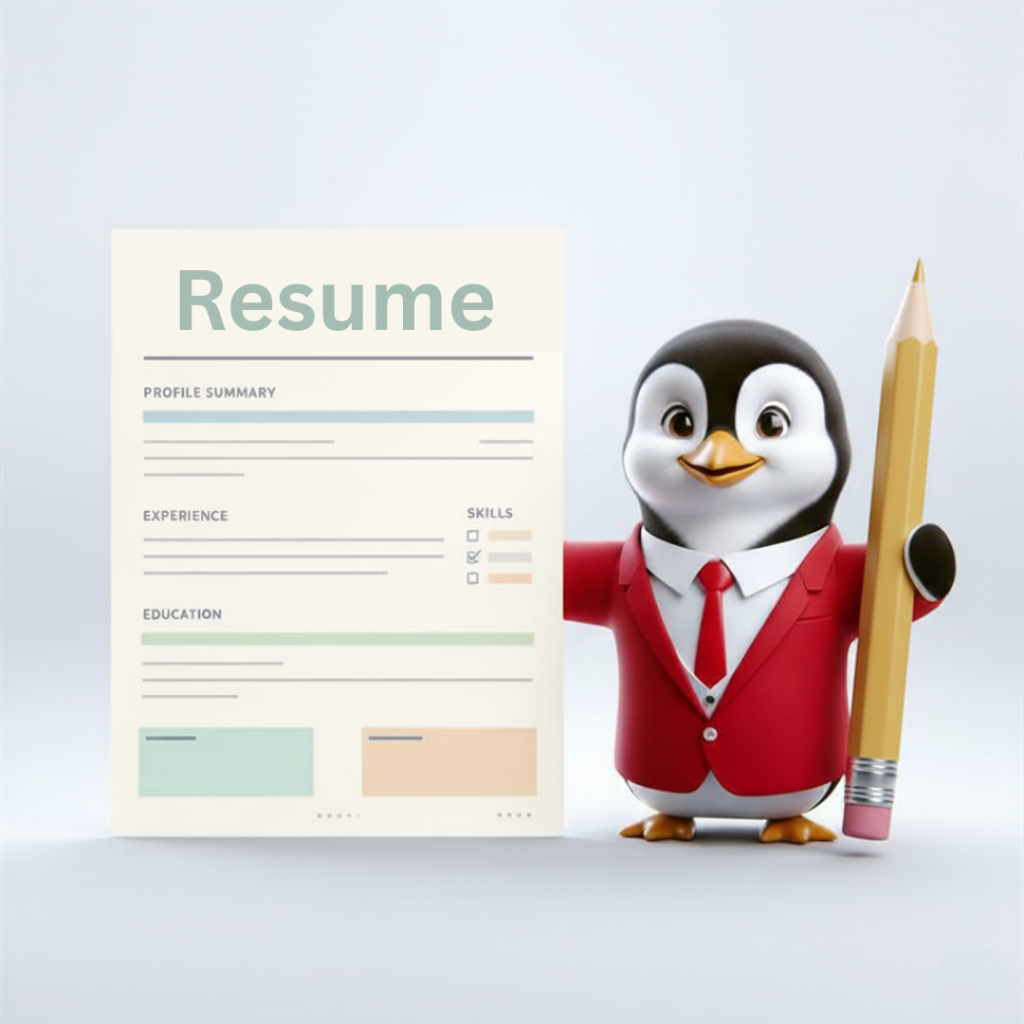
- Professional resume sections
- AI writing assistance
- Job-description keyword matching
- Resume scoring or feedback
- PDF and DOCX export options
- Automatic saving
Choose a clean template with standard section headings, simple fonts, clear spacing, consistent formatting, and minimal graphics. Avoid excessive columns, text boxes, tables, icons, images, and unusual designs that may make your resume difficult for an ATS to scan.
Step 2: Add Your Contact Information and Professional Summary
Begin your resume with accurate and professional contact details.
Include:
- Full name
- Phone number
- Professional email address
- City and state or country
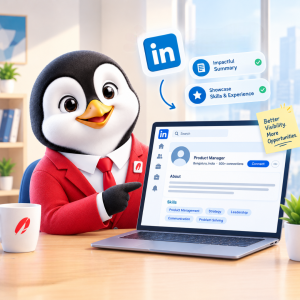
- LinkedIn profile
- Portfolio or personal website, if relevant
Next, write a targeted professional summary that explains who you are, what you do, and what value you offer an employer. Include your job title, years of experience if relevant, key expertise, notable strengths, and the type of role you are seeking.
Adjust your summary for each application instead of using the same version for every job.
Step 3: Add Your Work Experience
List your work experience in reverse chronological order, starting with your most recent position.
For each role, include:
- Job title
- Company name
- Location
- Employment dates
- Relevant responsibilities and achievements
Focus on results rather than simply listing duties. Use action verbs such as Managed, Developed, Improved, Increased, Reduced, Led, Created, and Implemented.
Whenever possible, support achievements with numbers. For example, write “Managed five social media accounts and increased engagement by 35% in six months” instead of “Managed social media accounts.”
Step 4: Tailor Your Resume to the Job Description
Customize your resume for each position by reviewing the job description and identifying:
- Required skills
- Preferred qualifications
- Job-specific tools or software
- Industry terminology
- Key responsibilities
- Relevant certifications
Include accurate keywords naturally throughout your summary, experience, skills, and education sections. Do not add keywords that do not reflect your actual background.
Step 5: Add Skills, Education, and Certifications
Make your most valuable qualifications easy to find by adding a relevant skills section.
Include a combination of:
- Technical skills
- Software and tools
- Industry knowledge
- Languages
- Certifications
- Relevant soft skills
Add your education in reverse chronological order, including your degree or qualification, school or institution, location, and graduation date or expected graduation date. You can also include relevant licenses, training programs, and professional development courses.
Step 6: Use AI to Improve Your Resume
AI tools can help you create stronger resume content while keeping your experience at the center.
Use AI assistance to:
- Improve your professional summary
- Rewrite weak bullet points
- Identify missing keywords
- Match your resume to a job description
- Suggest achievement-focused language
- Check clarity and grammar
Always review AI-generated content carefully. Remove vague claims, correct inaccurate information, and make sure the final wording sounds natural and truthful.
Step 7: Review and Proofread Your Resume
Before downloading your resume, check its ATS compatibility and overall quality.
Make sure it:
- Uses standard section headings
- Includes relevant keywords
- Avoids unnecessary graphics
- Uses readable fonts
- Has consistent formatting
- Clearly shows employment dates
- Contains no spelling or grammar errors
- Uses a logical structure
Also check for incorrect dates, uneven spacing, inconsistent punctuation, different font sizes, broken links, and duplicate information. If the builder provides an ATS score or resume scan, use the feedback to make improvements before submitting your application.
Step 8: Export and Save Your Resume
Download your completed resume in the file format required by the employer.
PDF is usually best for preserving formatting during direct applications. DOCX may be necessary when an employer specifically requests a Word document or when you need to make additional edits.
Use a professional file name, such as:
FirstName_LastName_Resume.pdf
Save a master copy so you can update your resume and create tailored versions for future applications.
Common Mistakes to Avoid
When building a resume online, avoid:
- Using the same resume for every job
- Adding irrelevant work experience
- Writing long paragraphs
- Listing responsibilities without achievements
- Including inaccurate keywords
- Using an overly decorative template
- Adding unnecessary personal information
- Submitting a resume without proofreading
- Forgetting to check the downloaded file
A simple, targeted, error-free resume is usually more effective than a visually complex document.
Create Your Resume Online in Minutes
You do not need to start with a blank page to build a professional resume. The HRTailor.AI Resume Builder can help you organize your experience, improve your content, and create a polished resume tailored to your career goals.
Build your resume with HRTailor.AI: https://hrtailor.ai/resume-builder
Conclusion
Building a winning resume online is about more than choosing a good-looking template. Focus on clear, ATS-friendly formatting, job-specific keywords, measurable achievements, and accurate information. With the right resume builder and a little customization, you can create a professional resume that gets noticed by both ATS systems and recruiters.