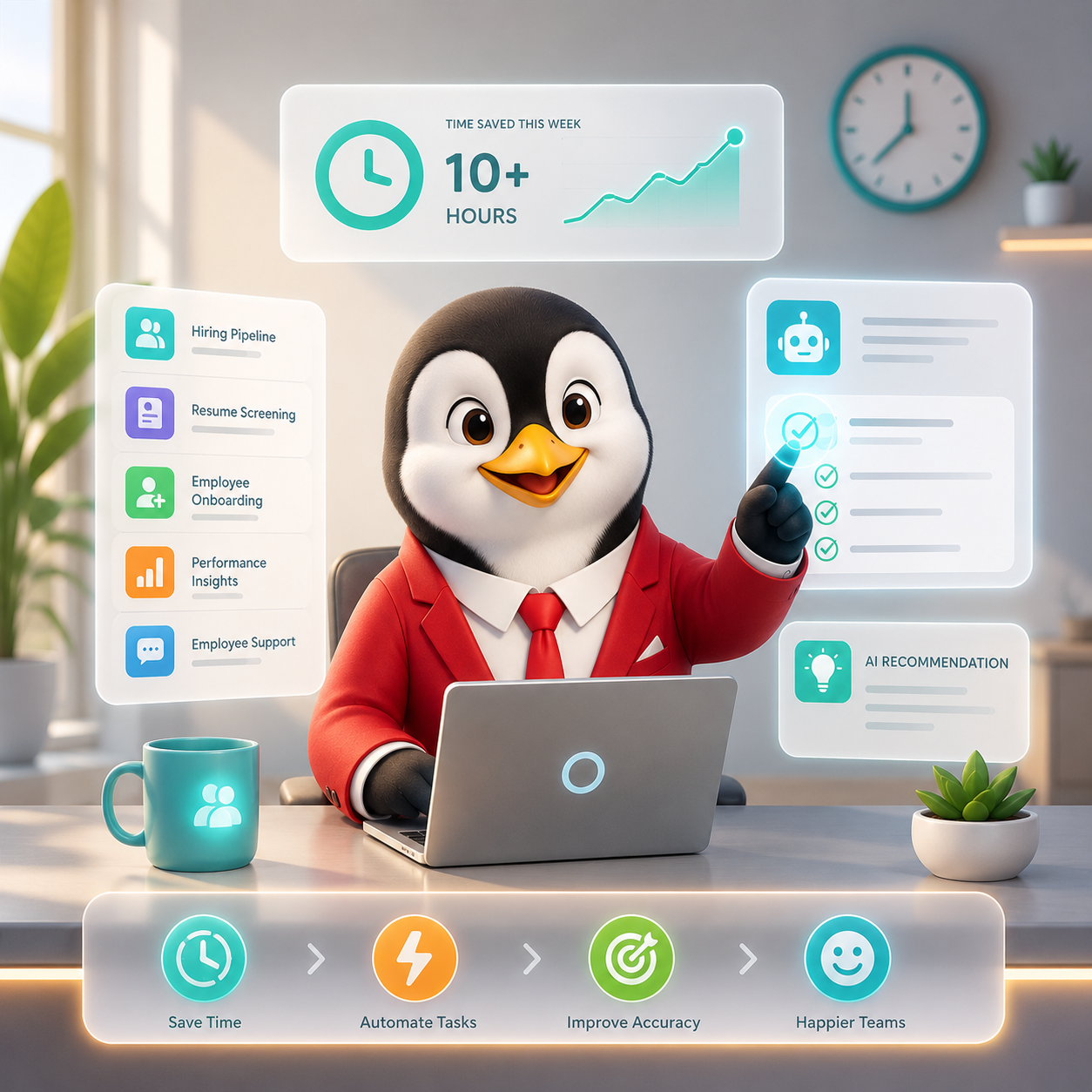
HR teams are being asked to do more with less. Headcount is flat, expectations are higher, and the admin never stops. The good news is that AI has moved well past the experimental phase in 2026, it’s doing real HR work across the entire employee lifecycle, not just summarising things.
Here are 10 ways HR teams are using AI to get serious time back every week.
A year ago, most AI tools for HR were either chatbots that broke easily or resume parsers with questionable accuracy. Today, the category has matured. AI is purpose-built for HR workflows, compliance-aware, and actually saves time rather than creating new tasks to manage.
92% of CHROs anticipate AI will be further integrated into the workforce in 2026, with 87% forecasting greater adoption within HR processes specifically. The shift is from “AI as a feature” to “AI as the workflow.”
Most HR teams still write job descriptions from scratch or recycle outdated ones — then wonder why the wrong candidates apply. AI can generate a complete, structured job description from just a role title and a few key responsibilities.
More importantly, it can flag compliance requirements by region — mandatory clauses, notice period norms, benefit disclosures — so nothing gets missed before you publish. What used to take 45–60 minutes is down to under 10.
Time saved: 3–4 hours/week for teams hiring across multiple roles
2. Generating offer letters and employment contracts instantly
Offer letters look simply but carry real legal weight. Get the wrong clause in a contract for a hire in the UAE or Brazil and you’re looking at compliance exposure. AI generates regionally compliant offer letters and contracts from a set of inputs – role, seniority, location, compensation with the correct local clauses already in place.
Time saved: 2–3 hours per hire on document drafting and legal review
3. Building and tailoring candidate resumes
This one cuts both ways. On the candidate side, AI helps job seekers build ATS-optimised resumes and tailor them to specific job descriptions, which means better-matched applicants in your pipeline. On the employer side, it reduces the noise from generic applications.
Time saved: Faster screening when candidates arrive better-matched to the role
4. Automating HR policy documents
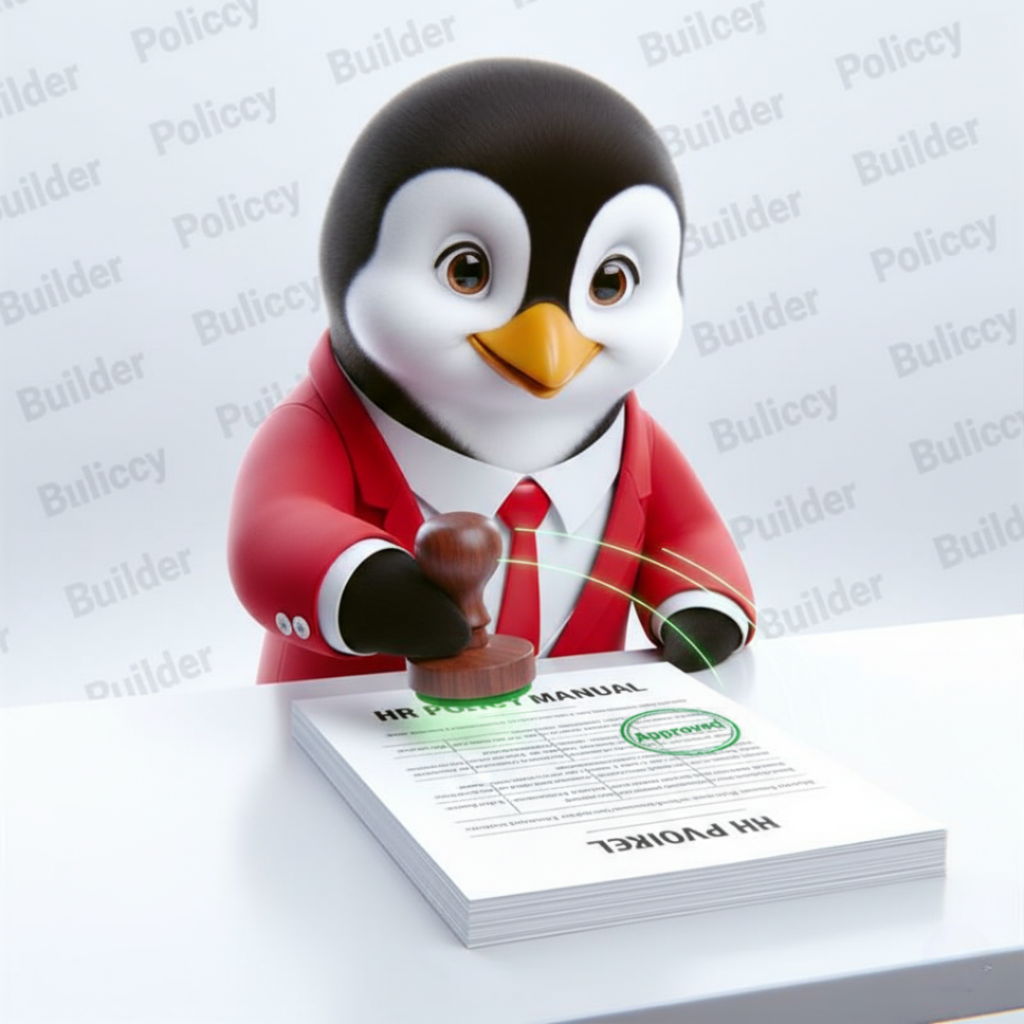
Employee handbooks, leave policies, code of conduct documents- these need to exist, stay current, and reflect local legal requirements. AI drafts a complete policy document from a template in minutes, with inputs adapted for your company size, location, and industry.
Time saved: 4–6 hours per policy document created or updated
5. Answering employee HR queries automatically
A significant portion of HR’s week is spent answering the same questions: how many leave days do I have, what’s the notice period, when does my probation end. AI-powered HR assistants handle these queries instantly, in natural language, without routing to a human.
Time saved: 3–5 hours/week on first-line employee support
6. Drafting performance review templates and feedback
Structuring performance reviews, writing competency frameworks, drafting manager guidance, all of this takes time that most HR teams don’t have ahead of review cycles. AI generates review templates, suggested rating criteria, and even sample feedback language for managers who struggle to write constructive assessments.
Time saved: 3–4 hours per review cycle per team
7. Creating onboarding packs and checklists
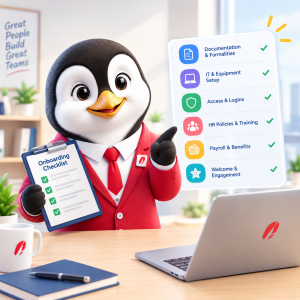
A good onboarding experience requires a lot of documents- welcome letters, equipment checklists, first-week schedules, policy summaries. AI assembles these into a complete onboarding pack from a set of company and role inputs, tailored to location and department.
Time saved: 2–3 hours per new hire on onboarding document preparation
8. Generating salary benchmarking and CTC breakdowns
Salary questions slow down hiring. Candidates want to know their take-home pay broken down clearly- gross, net, allowances, deductions. AI salary tools calculate this by location and role level and generate a clear breakdown HR can share with candidates or use internally for compensation planning.
Time saved: 1–2 hours per hire on compensation explanation and benchmarking
9. Drafting warning letters and HR communication
Formal HR communication- show cause letters, performance improvement plans, termination letters, requires precision and legal care. AI drafts these documents to the correct standard for the relevant jurisdiction, reducing the time HR spends writing and the risk of getting the language wrong.
Time saved: 1–2 hours per document, plus reduced legal review time
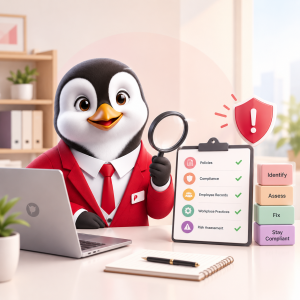
10. Running compliance checks across global teams
For companies hiring across multiple countries, keeping HR documents compliant with local labour law is a continuous problem. AI flags when a document doesn’t meet local requirements – missing clauses, incorrect notice periods, non-compliant language, before it reaches the employee.
Time saved: Avoids compliance incidents that cost significantly more to resolve than to prevent
How much of this can one platform actually do?
The honest answer used to be: none. You needed a different tool for each workflow.
That’s changed. HRTailor.AI covers most of what’s listed above in a single platform- job descriptions, offer letters, contracts, HR policies, warning letters, onboarding documents, resume building, salary breakdowns, and compliance checks across 190+ countries. It’s built for HR teams that need to move fast across the full document and hiring workflow without stitching together five different subscriptions.
You describe what you need, the role, the location, the context and it generates a structured, ready-to-send output in minutes. Not a generic template. A document built for that specific situation.