Over 90% of large employers use an Applicant Tracking System (ATS) to filter resumes before a human ever sees them. If your resume isn’t built to pass that filter, your application ends there, regardless of how qualified you are.
In 2026, AI resume builders have made it significantly easier to create a resume that passes ATS screening and still reads well to a real recruiter. This guide walks you through exactly how to do it.
What is an ATS and why does it matter?
An ATS is software that parses your resume, extracts information, and scores it against the job requirements. It looks for keywords, formatting structure, and relevant experience. Low-scoring resumes are filtered out automatically.
The problem is that most resumes are written for human readers — not parsers. Complex formatting, graphics, tables, and multi-column layouts often break ATS parsing. Even well-qualified candidates get rejected at this stage because their resume wasn’t structured correctly.
Step 1: Choose a clean, ATS-safe format
Before writing a single word, format matters. ATS systems struggle with:
- Multi-column layouts
- Tables and text boxes
- Graphics, icons, or charts in the main body
- Headers and footers (some parsers miss them entirely)
- Fancy fonts or decorative symbols used as bullet points
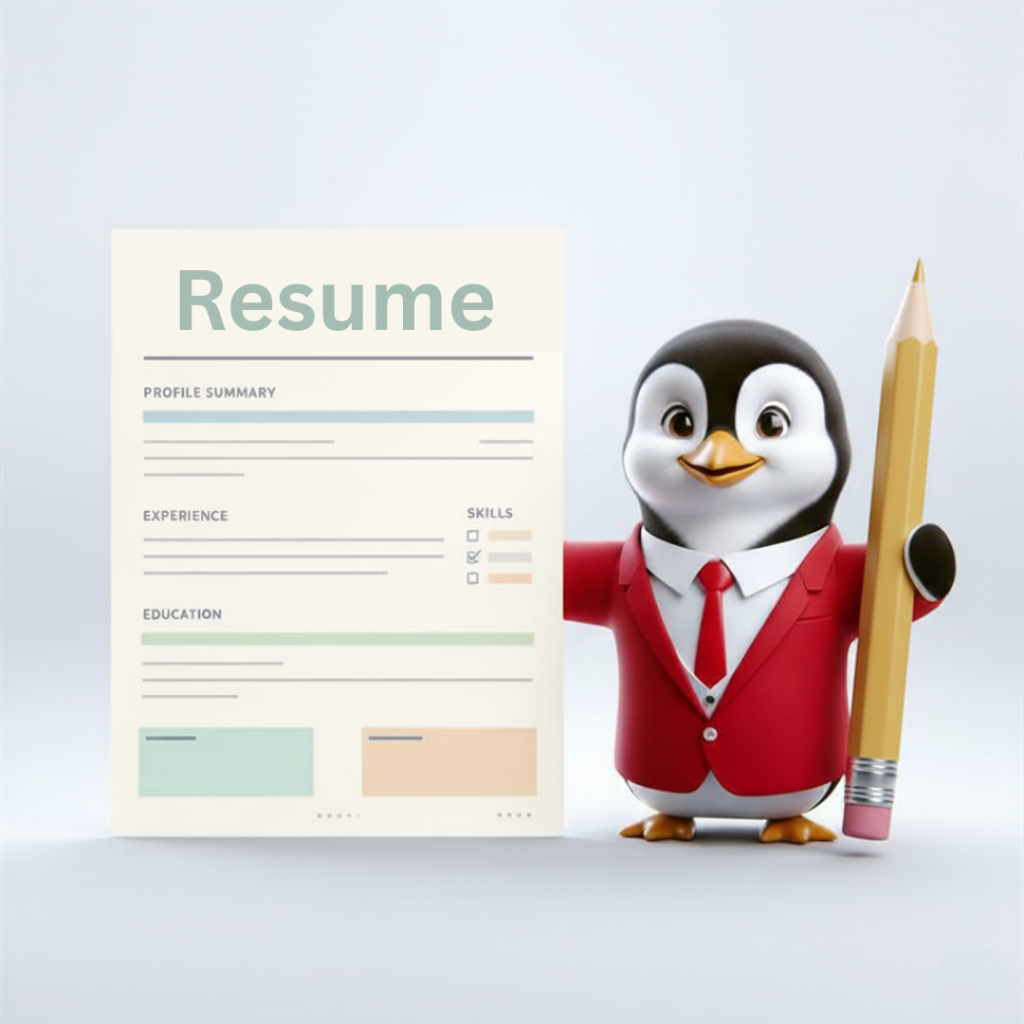
Use a single-column format with standard section headers: Summary, Experience, Skills, Education, Certifications.
Step 2: Start with the job description, not your old resume
This is the step most people skip, and it’s the most important one.
Before writing anything, read the job description carefully and note the specific skills, tools, and phrases the employer repeats. Your resume should use that language — not because you’re keyword-stuffing, but because you genuinely have those skills and need to describe them the way the employer expects.
What to pull from a job description:
- Specific tools and technologies mentioned (e.g. “Workday,” “Salesforce,” “Python”)
- Competency phrases (e.g. “cross-functional collaboration,” “data-driven decision making”)
- Seniority signals (e.g. “led a team,” “owned end-to-end,” “managed stakeholders”)
Step 3: Write your experience as outcomes, not duties
The biggest weakness in most resumes is that experience sections read like job descriptions, not achievements. ATS systems score for relevance, but human recruiters hire for impact.
Before (duty-based):
Responsible for managing social media accounts and creating content.
After (outcome-based):
Grew LinkedIn following from 4,000 to 22,000 in 8 months by building a content calendar aligned to product launches, increasing inbound leads by 34%.
Use the formula: action verb + what you did + measurable result.
Step 4: Build a targeted skills section
Most ATS systems have a dedicated parse field for skills. Don’t rely on your experience section alone to communicate your skill set.
Create a clean skills section with hard skills (tools, platforms, certifications) and domain expertise relevant to the role. Avoid vague soft skills like “good communicator”, they add no ATS signal and waste space.
Use the exact terminology from the job description. If they say “Google Analytics 4,” write “Google Analytics 4”, not “web analytics tools.”
Step 5: Write a resume summary that mirrors the role
The summary sits at the top of your resume and is one of the first things both ATS and recruiters process. It should include your current or target job title, 2–3 of your most relevant skills, and one specific achievement that signals you’ve done this before.
Example for a Product Manager role:
Product Manager with 6 years of experience shipping B2B SaaS products across APAC markets. Skilled in roadmap prioritisation, cross-functional alignment, and data-driven iteration. Led launch of a payments feature used by 40,000+ businesses.
Step 6: Check ATS compatibility before submitting
Before submitting, check your resume against the job description. Look for:
- Keyword match rate, aim for at least 70% alignment with key terms from the JD
- Missing skills or qualifications mentioned in the posting
- Formatting issues that could cause parsing errors
A quick review at this stage catches problems that would otherwise only show up as silence after applying.
Quick checklist
Building an ATS-friendly resume used to take hours of trial and error. With AI, you can generate a strong first draft in minutes and spend your energy on customising for each application, which is where the real competitive advantage sits.
If you want a head start, HRTailor.AI has a resume builder that generates a clean, ATS-ready structure from your inputs – correct formatting, proper sections, and keyword alignment built in from the start. You focus on the content, it handles the technical side that most resume templates get wrong.