HR Tools in 2026: Best AI-Powered HR Tools for Modern Businesses
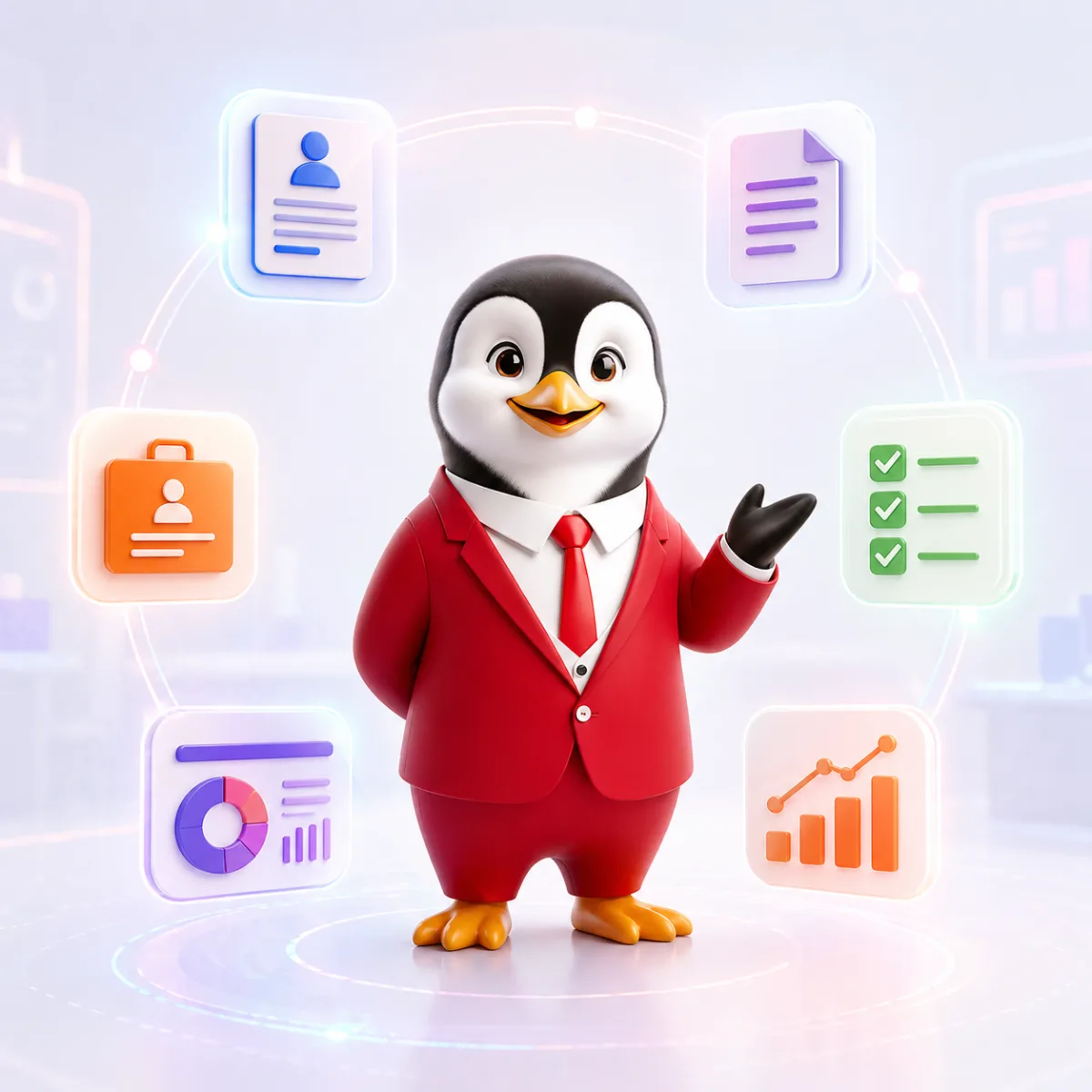
HR tools in 2026 fall into a handful of categories: core HR records, payroll and statutory compliance, time and leave, recruitment, documents and onboarding, performance and learning, and employee support. AI now runs across all of them, mostly to draft documents, answer questions and turn rough inputs into structured output. The right choice for your business depends less on which tool has the most features and more on which problem you need solved first, whether the tool covers the laws of the places you operate in, and how it handles your employees’ data. This guide explains each category, where AI genuinely helps, and a practical checklist for evaluating any HR tool before you commit.
The main categories of HR tools
| Category | What it does | Where AI helps | What to check |
|---|---|---|---|
| Core HR and employee records | Single record per employee: personal details, role, documents, history | Search, summaries, pre-filled forms | Access controls, export, audit trail |
| Payroll and statutory compliance | Gross to net, deductions, employer contributions, payslips, returns | Explaining payslips, flagging anomalies | Rule-based calculations, how fast rate changes are updated |
| Time, attendance and leave | Clock-ins, shifts, leave balances, approvals | Drafting leave policies, answering balance questions | Time zone handling, local holiday calendars |
| Recruitment | Job descriptions, applicant tracking, interviews, offers | Drafting job descriptions and interview questions | Bias controls, candidate data retention |
| Documents and onboarding | Offer, appointment and exit letters, policies, onboarding checklists, e-signature | First drafts, templating, bulk personalisation | Review step before issue, country-specific wording |
| Performance and learning | Goals, KRAs and KPIs, reviews, skills matrices, improvement plans | Suggesting measurable goals and review wording | Whether managers will actually use it |
| Employee support and compliance guidance | HR questions, helpdesk, compliance checklists, audits | Instant answers to routine questions | How answers handle local law and uncertainty |
Few small businesses need all seven on day one. Most start with payroll and documents, then add the rest as headcount and complexity grow. If you want a wider view of how AI is reshaping each function, read how AI is transforming human resources in 2026.
Where AI actually adds value, and where it shouldn’t be trusted alone
AI is strongest at language work: turning a few facts into a well-structured letter, policy or job description, rewriting in a different tone, summarising a long thread, or answering a common question in plain words. That’s where the time saving is real, because the alternative is a blank page.
It’s weakest where an exact answer is required. Statutory deductions, tax and gratuity should come from rule-based calculation engines that use published rates and are updated when the law changes, not from a language model working out arithmetic. Judgement calls, such as whether a dismissal is fair or how to handle a harassment complaint, still need people and, where appropriate, legal advice. A good HR tool makes this split obvious: drafts are labelled as drafts, calculations show their inputs, and nothing is issued without a human review step.
How to evaluate an HR tool: a 10-point checklist
- Problem fit. Write down the one process you most want to fix, such as “offer letters take three days”, and judge every tool against that, not against its feature list.
- Jurisdiction coverage. Check which countries and states the tool covers in depth, not just which it can “draft for”. Ask how its rules are maintained.
- Update speed. Ask how quickly the tool reflected recent changes you know about. In India, the four Labour Codes came into force on 21 November 2025 and the EPF wage ceiling became Rs 25,000 per month from 17 September 2026. A tool that still uses old Act names or the earlier ceiling is telling you something.
- Data protection. Find out where data is stored, who can access it, how it’s deleted, and whether your data is used to train models. In India, the Digital Personal Data Protection Act, 2023 governs how digital personal data is processed.
- Output quality on your own case. Test with a real, anonymised scenario from your business, not the vendor’s demo example.
- Review controls. Look for a clear draft stage, the ability to edit everything, and approvals before anything reaches an employee.
- Audit trail. You should be able to see who created, changed, approved and sent each document.
- Export and integration. Make sure you can get your data out in a standard format such as CSV, and check whether it connects to tools you already use.
- Ease of use for managers. If line managers won’t use it, HR ends up doing the work twice.
- Pricing model and total cost. Compare per-employee, per-seat and credit-based pricing against your expected usage over a year, including add-ons and export features.
A simple scoring sheet
Score each shortlisted tool from 1 to 5 on each point, then double the scores for the three points that matter most to you. For most small businesses those are problem fit, jurisdiction coverage and data protection. Add a short note explaining every score, because the notes are what you’ll rely on when you revisit the decision a year later.
One suite or several point tools?
| Your situation | Usually works better | Why |
|---|---|---|
| Founder-led team, no HR person yet | A few focused tools plus a clear spreadsheet | Low cost, quick wins on letters, policies and pay calculations |
| Crossing statutory thresholds in India | A reliable payroll and compliance engine first | EPF applies to establishments with 20 or more employees and ESIC to those with 10 or more, so errors start to carry real cost |
| Dedicated HR team, several locations | A connected suite with one employee record | Re-entering data across tools becomes the main source of errors |
| Multi-country team | Tools with depth in each country you employ in | Generic “global” coverage often means drafting only, without local rules |
Whichever route you take, keep one source of truth for employee data. Two tools holding different salaries for the same person is a payroll error waiting to happen. If payroll is your next step, see how to run payroll without a full payroll system.
How to run a two-week pilot
- Pick one process and two or three people who do it today.
- Record the baseline: how long the task takes now and what typically goes wrong.
- Run real work through the tool in parallel with your current method, so nothing depends on it yet.
- Review every output with the same checklist you use for manual work.
- Decide with evidence: time saved, errors caught or introduced, and whether the team would keep using it without being told to.
For performance tools specifically, our comparison of KPI generator tools for HR teams shows what to test.
Questions to ask before you sign up
Demos show the best case. These questions show how a tool behaves on an ordinary Tuesday:
- “Show me the last legal change you implemented, and when.” A concrete date and release note is better than “we keep up to date”.
- “What happens to our data if we leave?” Ask for the export format, how long data is kept after cancellation and how deletion is confirmed.
- “Which outputs are AI-generated and which are rule-based?” You want calculations to be rule-based and drafts to be clearly marked.
- “Who can see salary and personal data?” Check role-based access, so a line manager doesn’t see the whole payroll.
- “What does it cost at twice our current headcount?” Pricing that looks cheap today can jump when you grow or need an add-on.
- “How do we get help when something is wrong?” Find out the support channels, response times and whether help is available in your time zone.
Write the answers into your scoring sheet. If a vendor can’t answer clearly, that’s an answer in itself.
Common mistakes when choosing HR tools
- Buying for features you won’t use this year. Unused modules add cost and complexity.
- Ignoring compliance depth. A tool that drafts beautifully but uses outdated law creates risk at scale.
- Skipping the data questions. Ask about storage, access and deletion before you upload a single employee record.
- Over-automating sensitive steps. Terminations, warnings and complaints should always keep a human decision point.
- No training or ownership. Name one person responsible for each tool, its templates and its settings.
- Never reviewing the stack. Revisit your tools once a year and run an HR audit that finds risk early to see where gaps remain.
Where HRTailor.AI fits
If you want to try several categories without a long setup, the HRTailor.AI tools page lists 20+ AI HR tools grouped into Resume and Career, HR Documents, Salary and Calculators, and Performance and Development, along with the Ask HRTailor.AI assistant for HR questions. Use the same checklist above to judge whether any of them fit your needs.
Related reading


Frequently Asked Questions
HR tools are software solutions that help businesses manage human resource processes such as hiring, payroll, compliance, performance management, and documentation.
Key HR tools include HR query assistants, policy builders, resume builders, job description generators, HR letter tools, and KPI tracking systems.
AI-powered HR tools use language models to draft documents and answer questions from your inputs, such as location, role and company size. Drafts still need human review, and statutory calculations should come from rule-based engines using published rates.

How to Create a Workplace Code of Ethics: A Practical Guide.
How to Create a Workplace Code of Ethics: A Practical...
Read More
How to Calculate Employee Attrition Rate: Formula and Examples.
How to Calculate Employee Attrition Rate: Formula and Examples. Understand...
Read More
What Is a Performance Improvement Plan (PIP)? Steps, Examples and Template.
What Is a Performance Improvement Plan (PIP)? Steps, Examples and...
Read More
The HR Compliance Gaps That Quietly Turn Into Fines
The HR Compliance Gaps That Quietly Turn into Fines Introduction...
Read More