
How to Make a Simple Resume Look More Professional
Introduction
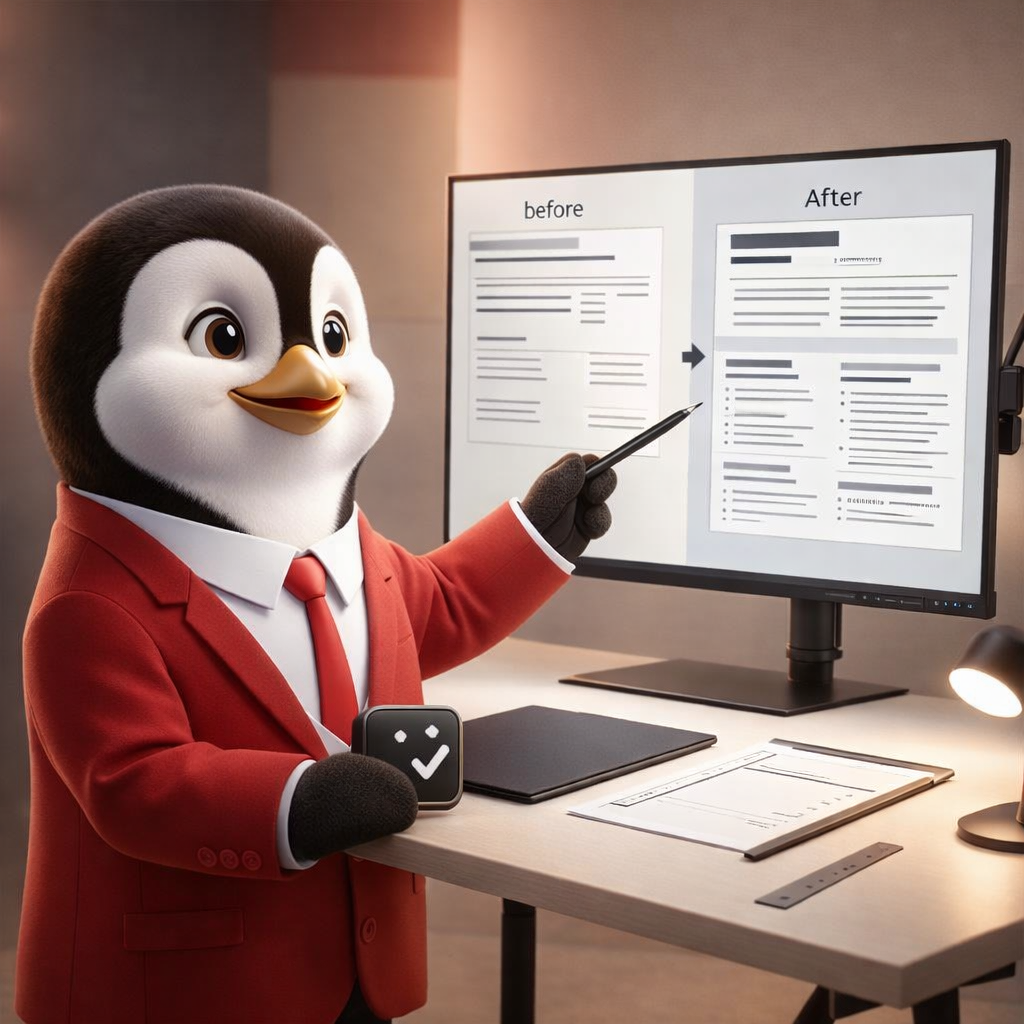
Creating a resume has become easier than ever. With online templates and quick editors, many candidates can build your resume free within minutes. That speed is helpful, especially when job openings move fast. However, a fast first draft often looks basic, and basic resumes can struggle in competitive hiring.
Fortunately, you do not need to start over to improve it. Instead, a few targeted changes can make your resume look more professional, read more clearly, and feel more aligned with the role. When small upgrades are done well, the difference becomes visible quickly.
Start by cleaning up the layout for easier scanning
Professional resumes are easy to scan. Recruiters often skim first, so they need to find key details without effort. Because of that, layout matters even before the writing is read.
Use consistent headings, balanced spacing, and clean section order. Also, keep margins comfortable so the page does not feel crowded. Moreover, avoid random font changes or uneven bullet spacing. When the structure stays consistent, your resume looks more polished instantly.
Choose a structure that fits your career stage
A simple resume can look unprofessional when the structure does not match your situation. For example, a fresher may hide strengths by placing skills too low. Meanwhile, a mid-career professional may include too many details from older roles.
If you are early in your career, highlight skills, projects, and internships clearly. If you are experienced, keep experience and achievements at the center. Additionally, adjust section order so the most relevant information appears sooner. This simple change improves clarity and makes your profile easier to understand.
Replace weak summaries with a focused introduction
Many resumes start with a generic objective. Unfortunately, that section often adds little value. Instead, use a short summary that connects your strengths to the job you want.
Keep it clear and specific. Mention your role direction, your core strengths, and the kind of impact you bring. As a result, recruiters understand your profile faster. Furthermore, your resume feels more intentional rather than template-driven.
Upgrade bullet points so they show results, not tasks
A resume looks professional when it highlights outcomes. Yet, many simple resumes list duties without showing what was achieved.
To fix this, rewrite your bullets using impact. Start with an action verb, then add what changed because of your work. For example, instead of saying you “handled reports,” you can say you “improved reporting accuracy by standardizing weekly updates.” Even when numbers are not available, clear outcomes still help.
In addition, keep bullets short. Short bullets improve scanning and reduce fatigue. When your bullets are stronger, your resume feels stronger too.
Use a skills section that matches the job, not your entire history
Many people list every skill they have used once. However, a professional resume stays focused. It highlights skills that match the role you are applying for.
So, review job descriptions for your target role. Then, match your skills section to what appears most often. Add only what you truly have, and remove outdated items. As a result, the resume feels tailored without looking forced.
This is especially helpful when you build your resume free using a template, because templates often encourage long lists. A shorter, sharper skills section usually performs better.
Keep formatting simple for ATS and real-world uploads
Even when a resume looks great visually, it must also work in real hiring systems. Many companies use Applicant Tracking Systems, and many job portals accept only specific file types.
Choose standard headings like Summary, Skills, Experience, and Education. Moreover, avoid heavy icons or overly complex columns if they reduce clarity. A clean layout improves ATS readability and reduces upload issues.
Also, test your resume after downloading it. Open it on a phone and another device. When it looks consistent everywhere, it feels more reliable.
Make your experience section look consistent and intentional
Simple resumes often look unprofessional due to small consistency issues. Dates may be formatted differently. Titles may be uneven. Locations may appear sometimes and disappear other times.
To fix this, standardize how you write each entry. Use the same date format across all roles. Keep job titles and company names in a consistent style. Additionally, align spacing between roles so the section feels clean.
These small upgrades do not take long. However, they create a “finished” look that recruiters notice immediately.
Add one “proof section” if your resume feels too plain
If your resume still feels simple after polishing, add proof. Proof can come from projects, achievements, certifications, or a short highlights section.
Choose items that support your target role. For example, a project that improved outcomes or a certification relevant to the job can strengthen credibility. Still, keep this section tight. Two or three items are enough when they are relevant.
Because of this, your resume becomes more memorable without becoming longer or cluttered.
Improve readability by tightening long lines
Long sentences reduce readability. They also make your resume feel heavy. So, trim long lines wherever possible.
Break long bullets into simpler phrases. Remove filler words like “responsible for” and “worked on.” Instead, use direct verbs. Additionally, keep each bullet focused on one idea. When readability improves, professionalism improves too.
Tailor the top third for every role
You do not need to rebuild your resume for every job. Still, tailoring the top third can change outcomes.
Adjust your summary slightly, reorder skills, and bring relevant achievements higher. As a result, your resume matches the job description better. Moreover, it feels customized without requiring a full rewrite.
This process works well for people who use a create free resume builder tool and apply to multiple roles, because it keeps editing fast while improving relevance.
Free building is step one, refinement is step two
Free tools help job seekers start quickly. Yet, the first version should rarely be the final one. A resume becomes professional through refinement, not through speed.
So, treat the first draft as a base. Then polish structure, strengthen wording, and align content with your target role. This approach is more sustainable and more effective than rewriting everything each time.
Conclusion
A simple resume can look far more professional with a few targeted upgrades. Clean structure, consistent formatting, stronger bullet points, and role-aligned skills make a big difference. Even if you build your resume free using quick templates, refinement is what turns that draft into something interview-ready. Likewise, a create free resume builder can help you start faster, yet polishing is what helps you compete better.
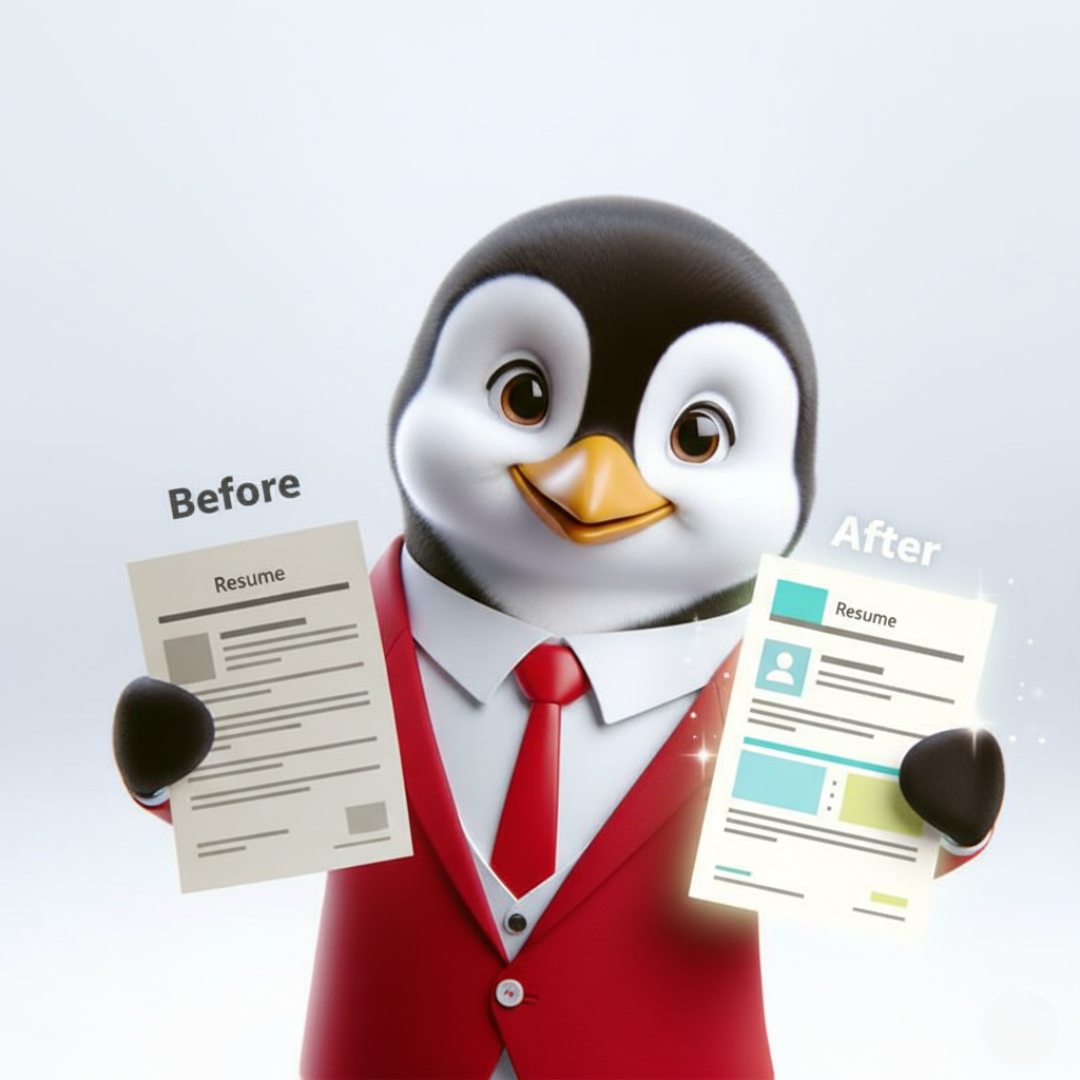
To make those improvements faster, HRTailor.AI Resume Enhancer can help: it refines your existing resume with clearer phrasing, stronger achievement bullets, and role/location-based alignment for a more competitive final version.
Claim 10,000 free credits on your first signup on HRTailor.AI.

Frequently Asked Questions
Start by fixing formatting consistency, tightening your summary, and rewriting 3–5 bullet points to show results instead of tasks.
Yes. A free resume can work well when the layout is clean, the content is clear, and achievements are written with impact.
Avoid crowded templates, heavy columns, too many icons, and long paragraphs. Clean structure improves readability and ATS compatibility.
Use real outcomes such as process improvements, faster delivery, better support, smoother coordination, or higher quality. Keep it honest and specific.
Update the summary, top skills, and most recent experience bullets first. These areas shape first impressions the most.
Job Contract Agreement Explained With Key Clauses and Examples
Job Contract Agreement Explained With Key Clauses and Examples Introduction...
Read More
What HR Teams Should Check Before Using a Sample Offer Letter
What HR Teams Should Check Before Using a Sample Offer...
Read More
How Salary Taxes Are Calculated on Your Payslip
Your pay slip can look like a mini...
Read More
End of Employment Letters: Resignation, Termination, and Closure Explained
End of Employment Letters: Resignation, Termination, and Closure Explained Introduction...
Read More