Introduction
Employee document requests often arrive with a deadline. For example, someone may need an NOC for travel, education, a loan, or a background process. However, when the request lands late and the template is unclear, leaders waste time fixing wording and checking details.
This is common in startups and SMEs. Teams move fast, but HR documentation can become a “last-minute” task. As a result, the company risks inconsistent wording, wrong dates, and avoidable rework.
A simple drafting method solves most of this. It helps you produce a clear NOC that stays factual, easy to verify, and safe to issue.
What a professional NOC should do
An NOC is not a recommendation. Instead, it is a formal “no objection” statement for a specific purpose.
A good employee noc letter should:
- confirm only the required employment details
- clearly state the purpose and time period
- avoid open-ended permissions or promises
- stay neutral and factual
Because third parties may rely on this document, clarity matters more than length.
Step 1: Collect the right inputs before drafting
Drafting becomes easy when you capture the right details first. Otherwise, you will keep editing the same letter.
Use this input checklist:
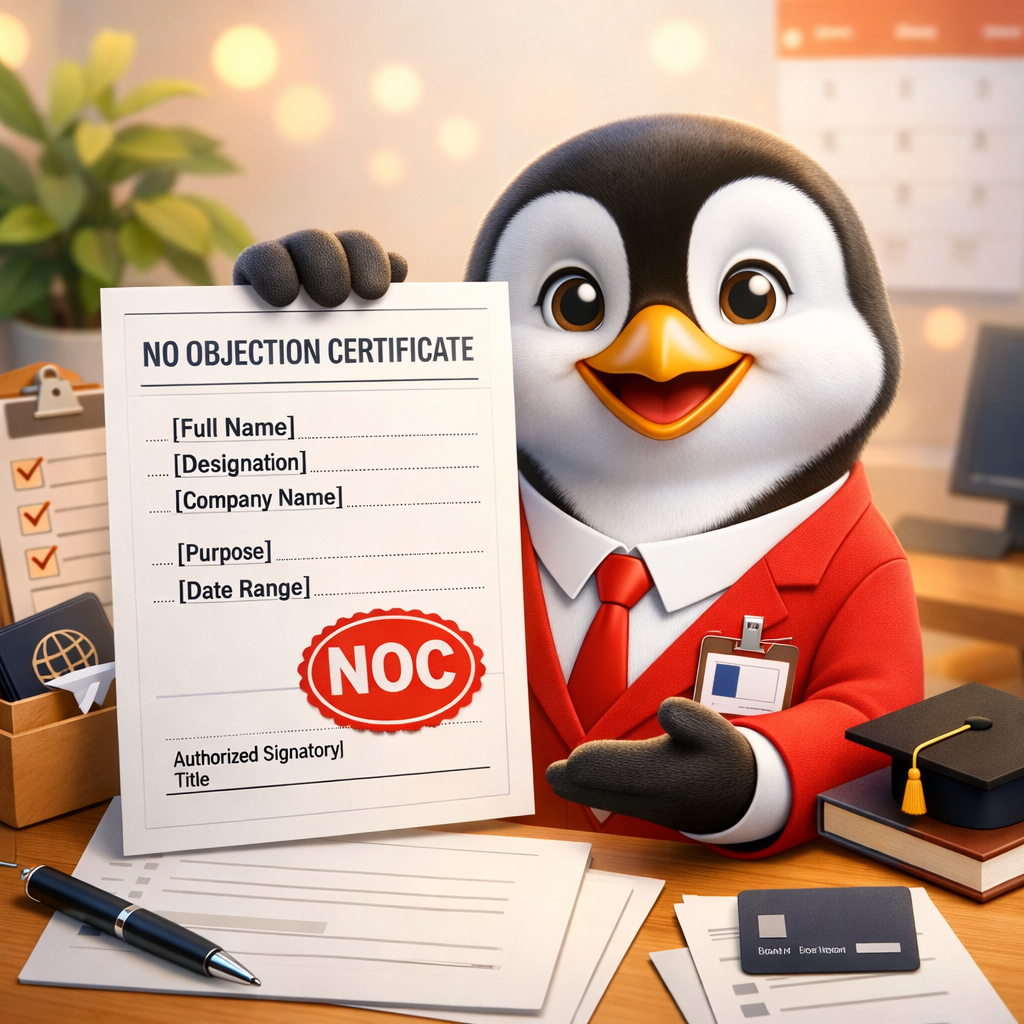
- Employee full name (as per records)
- Employee ID (if used)
- Designation and department (only if needed)
- Purpose of the NOC (visa, education, loan, etc.)
- Date range (if the purpose needs it)
- Recipient details (embassy/university/bank), if required
- Authorised signatory name and title
Also, ask employees to share the purpose in writing. It keeps the process clean.
Step 2: Choose the purpose category so wording stays correct
Many companies reuse one letter for all requests. However, the purpose changes the tone and the lines you need.
Common categories include:
- travel or visa support
- higher studies or training
- banking or loan documentation
- external event participation
- work location approval (if policy allows)
When you select the purpose first, your employee noc letter stays accurate and specific.
Step 3: Use a simple structure (easy to scan, easy to verify)
A professional NOC is usually one page. Keep paragraphs short and avoid heavy legal language.
Recommended structure:
- Company details + date
- “No Objection Certificate” title
- Employee identification line (name + role)
- Clear no-objection statement linked to purpose
- Date range line (if required)
- Limitation line (issued on request, for stated purpose only)
- Signatory block (name, title, signature)
This structure helps third parties verify quickly. Also, it prevents unnecessary questions.
Step 4: Write the no-objection statement with strong limits
The key sentence should be clear and narrow. It should not be open-ended.
Good drafting principles:
- mention the purpose clearly
- include dates if the request is time-bound
- avoid words like “guarantee,” “responsible,” or “liable”
- avoid broad permissions that go beyond policy
For example, for travel or education, you can confirm no objection for the stated purpose. However, you should not promise outcomes like visa approval.
Step 5: Add a “valid for this purpose only” line
This small line protects the company. It also reduces misuse of the document.
Use a simple limitation statement such as:
- issued upon employee request
- valid only for the mentioned purpose
- does not create extra obligations on the company
This keeps the employee noc letter professional and safe.
Step 6: Include only necessary data (avoid over-sharing)
More information is not always better. In fact, extra data increases risk.
Avoid including:
- salary details (unless specifically required)
- performance remarks
- disciplinary details
- unrelated personal identifiers
If a bank or authority asks for additional info, add only what is required, and keep the rest minimal.
Step 7: Review for common errors before signing
Most NOC errors are basic. Therefore, a quick review prevents embarrassing mistakes.
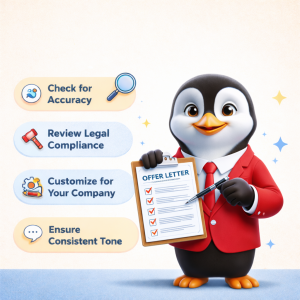
Final checks:
- ✅ spelling of employee name matches records
- ✅ purpose is clearly stated and not vague
- ✅ dates are correct and consistent
- ✅ signatory is authorised
- ✅ wording stays factual (no promises)
- ✅ copy is stored in your records
With this review, you reduce rework and repeated follow-ups.
How AI-powered workflows reduce drafting time and errors
Manual drafting often starts with an old file. As a result, teams copy the wrong wording, forget to update dates, or miss the correct purpose line.
A practical AI workflow reduces this by guiding the user through structured inputs first—such as letter type, work mode, country, city, industry, company type, employee type, and company name—before generating the document.
It also supports consistency across locations by aligning the document to the employment laws of the selected region.
Finally, it helps with faster sharing. When the output is available as PDF and editable Word, teams can send the letter quickly and still make controlled edits when needed.
This approach is especially useful when you need to issue multiple letters in a month and want every employee noc letter to follow the same standard.
A simple internal process to keep NOC requests under control
To avoid chaos, keep the process predictable:
- create one request channel (form or email alias)
- keep one master template library (HR-owned)
- define who approves which category (low-risk vs sensitive)
- store final documents centrally with clean naming
- track turnaround time so delays become visible
Even basic structure reduces confusion. Also, it protects leaders from last-minute escalations.
Conclusion
A professional NOC becomes easy when you follow a clear drafting flow: collect inputs, keep wording specific to purpose, add a limitation line, and run a quick pre-sign review. This reduces delays, avoids risky statements, and keeps documentation consistent as your company grows.
HRTailor.AI is one example of a tool that supports this by letting you select the letter type, enter structured details, generate a letter aligned to the employment laws of the chosen region, and download it in PDF or editable Word, helping reduce drafting time and documentation errors for each employee noc letter you issue.
Try HRTailor.AI to draft HR letters faster with fewer edits.