


AI KRA/KPI Generator

Introduction 

Many HR managers still rely on spreadsheets to define KRAs (Key Result Areas) and KPIs (Key Performance Indicators). While spreadsheets offer flexibility, they are often slow, prone to human error, and difficult to scale as businesses grow. 

Manual methods require HR teams to enter data, calculate metrics, and ensure alignment with role expectations a process that can take hours per employee or team. Moreover, keeping spreadsheets updated, consistent, and compliant with industry and legal standards adds even more complexity. 

AI-powered KRA/KPI generators, on the other hand, offer instant, structured, and role-specific performance management tools. In this blog, we’ll explore the key differences between spreadsheets and AI generators and explain why AI is the smarter choice for modern HR management. 

The Spreadsheet Approach 

Pros of Using Spreadsheets 

  • Flexible for Custom Inputs: Spreadsheets allow HR teams to add any columns, formulas, or metrics they want. You can track sales targets, marketing KPIs, employee attendance, and more all in one place. 
  • Familiar Tool: Most HR managers are comfortable using Excel or Google Sheets, which reduces the learning curve. 

Cons of Using Spreadsheets 

  • Time-Consuming: Manually entering KRAs/KPIs for each employee or team can take hours, especially for growing companies. 
  • Prone to Errors: A misplaced formula or incorrect input can distort performance metrics, affecting decisions on appraisals, promotions, or bonus allocation. 
  • No Legal/Industry Compliance Checks: Spreadsheets do not automatically include compliance clauses, local labor laws, or industry-standard KPI suggestions. This oversight can lead to errors in performance management and legal risk. 
  • Hard to Scale: As teams grow, spreadsheets become bulky and difficult to manage, causing inefficiencies in performance tracking. 
AI KRA/KPI Generator: The Modern Solution 

Pros of Using AI Generators 

  • Instant Output: AI tools generate KRAs and KPIs in minutes, even for large teams. 
  • Role-Specific & Measurable: Each KPI is tailored to the employee’s role and responsibility, ensuring accurate performance evaluation. 
  • Adaptable to Location & Industry: AI incorporates global compliance standards and industry best practices, making it ideal for multi-location teams. 
  • Downloadable in Word/PDF: Generated KPIs can be shared directly with employees or imported into HR management systems. 
  • Consistency Across Teams: AI ensures all employees in similar roles receive standardized, fair, and measurable KPIs. 

Cons of AI Generators 

  • Requires Basic Inputs: HR managers need to provide role details, company size, and location to generate accurate KPIs
     
Head-to-Head Comparison 

Feature 

Spreadsheets 

AI KRA/KPI Generator 

Time to Create KPIs 

Hours per employee/team 

Minutes 

Accuracy 

Prone to errors 

High accuracy 

Compliance Checks 

Manual, needs HR expertise 

Built-in, location & industry-specific 

Scalability 

Difficult for large teams 

Easily scalable 

Customization 

Flexible, but manual 

Automated with manual tweaks possible 

Distribution 

Manual sharing 

Direct download & sharing 

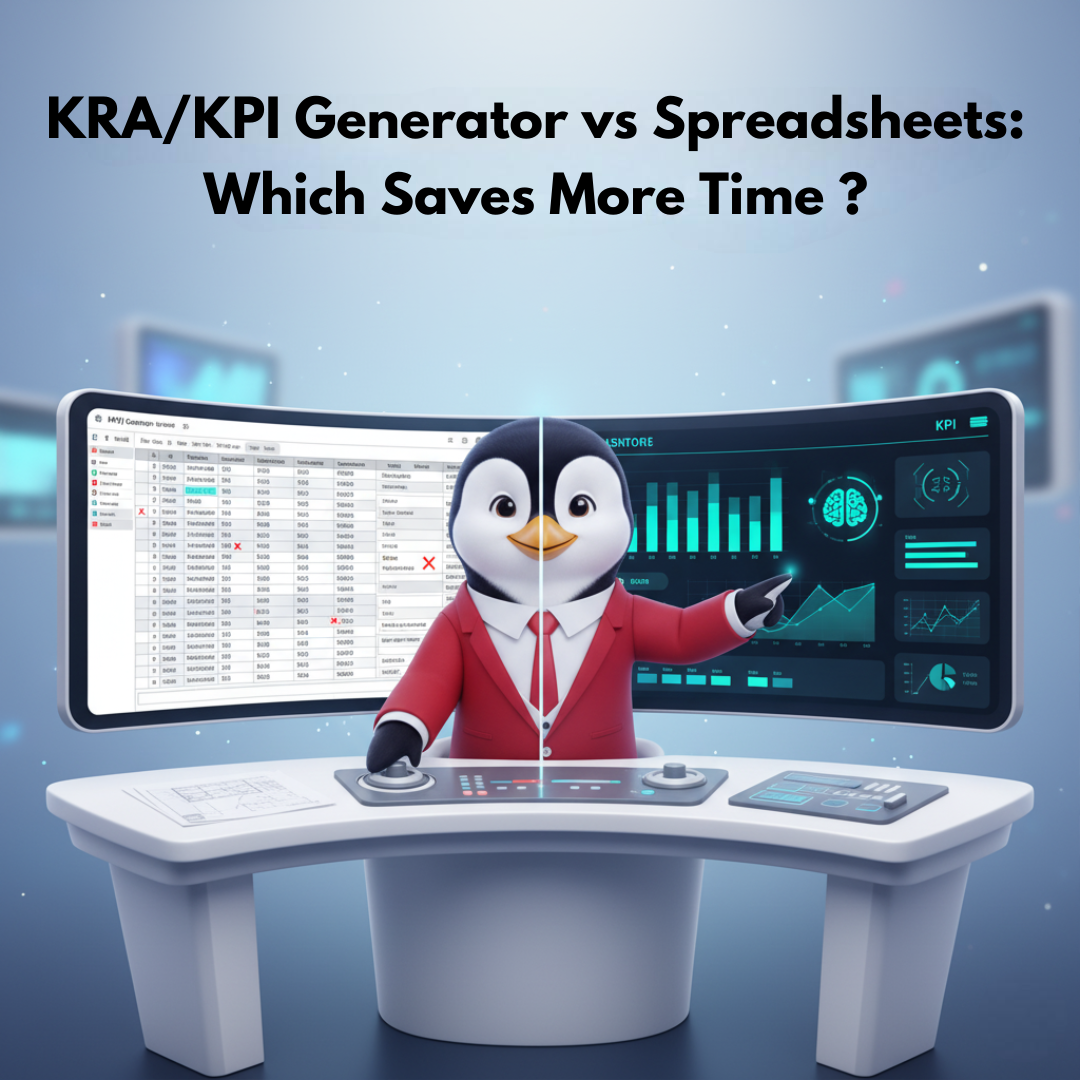
From this comparison, it’s clear that AI KRA/KPI generators significantly reduce workload, increase accuracy, and simplify goal tracking for HR managers. 

Real-World Use Cases 
  1. Small Business (5–10 Employees)
  • Spreadsheet Approach: HR spends 3–4 hours defining sales and marketing KPIs for each employee, with potential formula errors. 
  • AI Generator: KPIs created in 5 minutes, including role-specific sales targets, marketing metrics, and operational goals. 

  1. Mid-Sized Company (50 Employees)
  • Spreadsheet Approach: Manual entry, data validation, and formula troubleshooting take days. Updating KRAs for new hires adds more workload. 
  • AI Generator: AI generates KPIs for all 50 employees within minutes, aligning each role with business objectives and compliance rules. 

  1. Multi-National Teams (USA, India, UAE)
  • Spreadsheet Approach: Requires HR managers to manually ensure compliance with each country’s labor laws. Errors can be costly. 
  • AI Generator: Automatically applies region-specific compliance, ensuring all KRAs and KPIs meet legal and industry standards. 

    Benefits of Switching to AI KRA/KPI Generators 
    • Time Efficiency: Hours of manual work reduced to minutes. 
    • Accuracy: Error-free, consistent KPIs. 
    • Compliance: Automatically adheres to local labor laws and industry standards. 
    • Actionable Insights: Provides measurable metrics that help managers track performance effectively. 
    • Easy Updates: Quickly adjust KPIs for evolving business objectives without redoing spreadsheets. 
    • Employee Transparency: Clear, measurable goals improve employee engagement and accountability. 
    Conclusion 

    Spreadsheets are no longer the most effective way to define KRAs and KPIs. While they offer flexibility, they consume time, are prone to errors, and lack compliance features. AI-powered KRA/KPI generators provide a faster, smarter, and more accurate solution

    For HR managers, adopting AI means fewer manual errors, improved employee alignment, and the ability to scale performance management across growing teams. Whether you are a small startup or a multinational company, AI tools make KRAs and KPIs faster, more reliable, and legally compliant. 

    Save hours and improve accuracy  switch to KRA/KPI Generator today. 

Frequently Asked Questions

Can I export AI-generated KPIs to Excel later?

Yes, you can export AI-generated KPIs into Excel or import them into your HR software for reporting and analysis. 

Are AI-generated KPIs customizable?

Absolutely. You can tweak KPIs manually to fit your company’s unique strategy, goals, or employee roles. 

Will AI replace HR managers?

No, AI is a tool that enhances HR efficiency. Managers still review, approve, and adjust KPIs as needed. 

Can AI handle multiple teams and roles simultaneously?

Yes, AI can generate KRAs/KPIs for multiple teams, departments, and countries in minutes. 

Leave a Reply

Your email address will not be published. Required fields are marked *