How to Maintain Legal Accuracy
in Every HR Letter with AI
Introduction: HR Letters Are Legal Instruments—Not Just Documents
HR letters are far more than routine communications. In reality, they are legally binding records that define employment relationships, rights, and obligations. Whether it’s an offer letter, termination notice, or salary revision, each document can be reviewed by regulators, auditors, or even courts. Because of this, even a small oversight—such as an outdated clause or missing statutory reference—can expose organizations to disputes, penalties, and reputational risk.
Traditionally, HR teams have relied on static templates and manual reviews to manage this responsibility. However, as laws evolve and workforces become more global, this approach is no longer sustainable. AI-powered document generation changes the equation. By embedding legal logic into templates, AI helps organizations maintain accuracy, consistency, and traceability at scale. As a result, HR letter compliance becomes proactive rather than reactive.
This article explains how AI ensures legal accuracy in HR letters, highlights common compliance risks, and outlines a practical framework HR teams can adopt immediately.
Why HR Letters Commonly Create Legal Risk
Despite experience and best intentions, HR teams often face recurring challenges. These problems are predictable, yet costly when ignored.
First, jurisdiction-specific requirements are frequently missed. For example, at-will disclaimers in the US, gratuity references in India, or statutory holiday language in the UK may be omitted. Next, outdated legal references creep in because templates are rarely updated across all shared folders. Over time, multiple “final” versions begin circulating.
In addition, notice periods often become inconsistent. Probationary employees, confirmed staff, and senior leaders may each have different obligations, yet letters sometimes apply a one-size-fits-all approach. Ambiguous language also increases exposure, particularly in disciplinary or termination notices where clarity is essential. Finally, poor version control makes it difficult to prove which document was approved and issued.
When organizations operate across regions, these risks multiply. Local labor laws, benefits, and termination norms demand precision at the document level—not just in policy handbooks.
How AI Strengthens HR Letter Compliance
AI-driven HR letter systems do more than auto-fill names and dates. Instead, they embed compliance logic directly into the document creation process.
1. Jurisdiction-Aware Generation
To begin with, the system detects the selected country and state. It then applies relevant labor laws, statutory notices, and mandatory clauses automatically.
2. Conditional Clause Libraries
Next, clause libraries adapt based on role, seniority, and employment type. Non-compete, confidentiality, IP assignment, or severance clauses appear only when legally permitted. This conditional logic significantly reduces compliance risk.
3. Continuous Legal Updates
Unlike static templates, AI systems can be updated centrally. As laws change, templates reflect new requirements without manual intervention. Consequently, HR letter compliance improves without increasing administrative effort.
4. Structured Inputs for Consistent Outputs
Because the system requires structured inputs—such as employment status, pay cycle, probation length, and benefits—the resulting letters remain consistent, complete, and audit-ready.
5. Automated Validation Checks
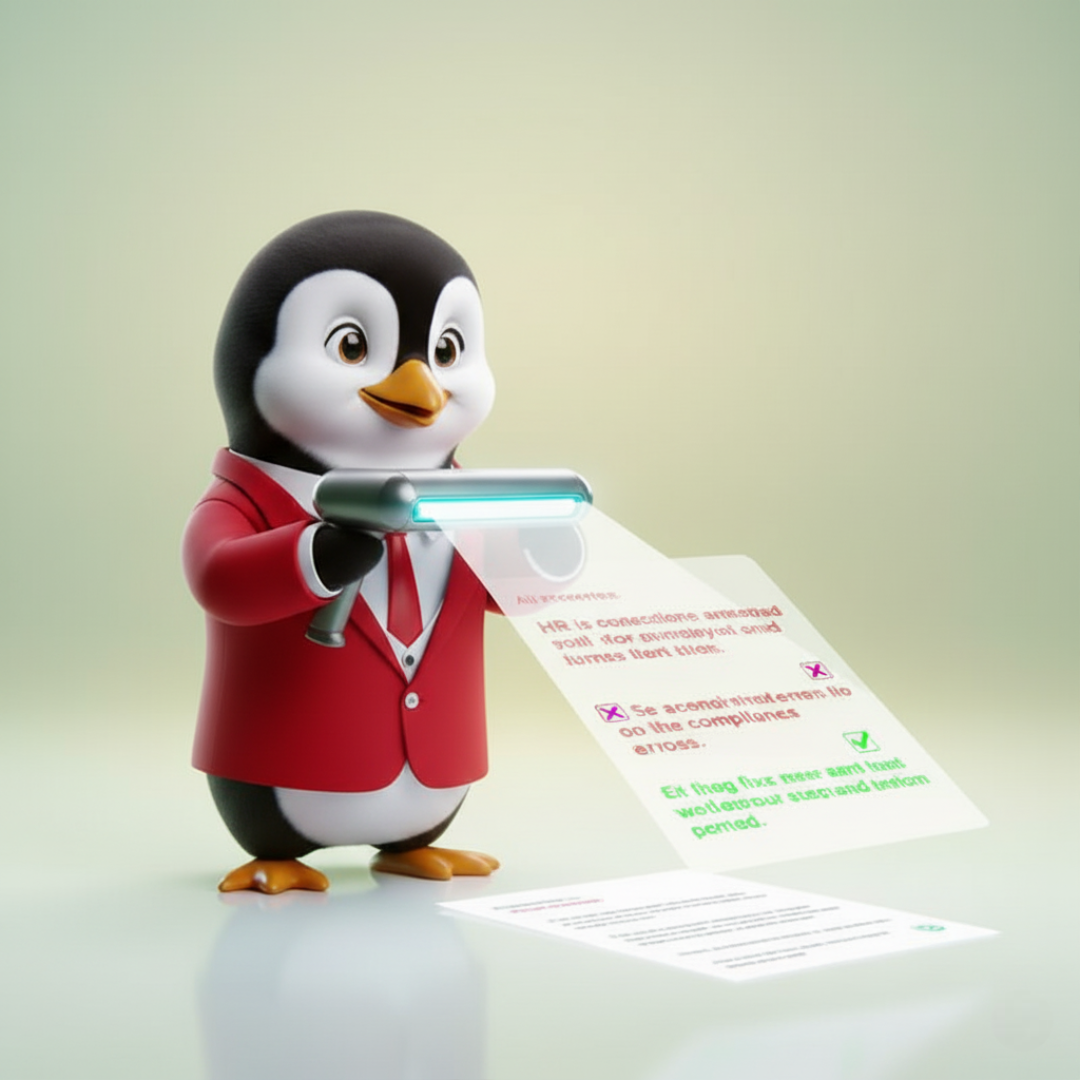
Before finalizing a document, AI performs validation checks. It flags missing fields, conflicting clauses, or risky language, ensuring issues are addressed before issuance.
6. Audit Trails and Approvals
Every generated letter is logged with timestamps, user details, and version history. Furthermore, role-based approvals can be enforced for sensitive documents like terminations or settlements.
Together, these features transform compliance from a manual checklist into a built-in safeguard.
High-Priority HR Letters to Automate First
To maximize impact, HR teams should begin with letters that combine high volume and high legal risk:
-
Offer and appointment letters
-
Probation confirmation or extension letters
-
Disciplinary and warning notices
-
Termination and relieving letters
-
Salary revision and promotion letters
-
Experience and service certificates
Because these documents are issued frequently, automating them delivers immediate consistency while reducing legal exposure.
Mandatory Clauses AI Helps Manage Effectively
Although wording varies by jurisdiction, certain clauses require special attention:
-
Confidentiality and IP assignment in appointment and exit letters
-
Non-compete and non-solicit clauses, only where enforceable
-
Notice and separation terms, differentiated by employment status
-
Compensation and deductions, aligned with statutory requirements
-
Benefits and statutory entitlements, including gratuity or end-of-service
-
Return-of-property and data protection statements
-
Governing law and dispute resolution clauses for cross-border teams
AI ensures these clauses appear in the right documents, in the right form, and with the right approvals—strengthening HR letter compliance across the organization.
How AI Adapts to Different Jurisdictions
Legal accuracy depends heavily on geography. AI simplifies this complexity:
-
United States: Automatically adjusts for state-specific restrictions, especially around non-compete and IP rights.
-
India: Accounts for state-level Shops & Establishments Acts, gratuity eligibility, and notice period variations.
-
United Kingdom: Ensures statutory holiday, redundancy, and notice provisions remain current.
-
UAE & GCC: Reflects end-of-service benefits, visa considerations, and labor code requirements.
-
Singapore: Aligns letters with MOM guidelines for leave, termination, and benefits.
Instead of relying on scattered legal notes, HR teams work within a system where compliance rules are already embedded.
A Safe, Scalable Workflow for HR Teams
An AI-powered HR letter workflow typically follows five steps:
-
Capture context: Enter role, location, employment type, dates, and compensation details.
-
Generate and validate: The system creates a compliant draft and flags issues instantly.
-
Collaborate and approve: Legal and HR stakeholders review within the same platform.
-
Finalize and issue: Apply branding, export securely, and lock the approved version.
-
Archive and report: Store documents centrally and generate compliance reports when needed.
This structure minimizes errors while improving speed and accountability.
Preventing Template Drift with Strong Governance
To sustain compliance over time, governance is essential. Best practices include:
-
Maintaining a single source of truth for templates
-
Enforcing role-based approvals for sensitive letters
-
Tracking version history and change logs
-
Scheduling periodic legal reviews
-
Flagging high-risk language automatically
When combined with AI, these controls prevent unauthorized edits and preserve consistency.
Measuring the Impact of Better HR Letter Compliance
Organizations can track meaningful KPIs, such as:
-
First-time approval rate
-
Letter turnaround time
-
Clause deviation frequency
-
Post-letter disputes or grievances
-
Time taken to update templates after legal changes
Improvements across these metrics indicate reduced legal risk and stronger governance.
Conclusion:
Maintaining legal accuracy in HR letters is no longer just a legal responsibility—it’s a strategic necessity. As workforces grow more distributed and regulations evolve faster, manual templates simply cannot keep up. This is where AI becomes indispensable.
HRTailor.AI offers a dedicated HR Letter Builder tool designed to help organizations achieve consistent, audit-ready, and jurisdiction-aware documentation. By combining smart templates, conditional clauses, automated validations, and approval workflows, HRTailor.AI enables HR teams to generate compliant letters confidently and efficiently.
If your organization wants to strengthen HR letter compliance without slowing down operations, adopting an AI-driven solution is the logical next step.
For a deeper look at how this works in practice, explore the HR Letter Document Builder at HRTailor.AI and see how compliance, speed, and governance can finally work together.


Frequently Asked Questions
AI ensures HR letter compliance by using jurisdiction-specific clauses, automated validations, and updated legal templates to reduce errors and legal risk.
Offer letters, termination notices, probation confirmations, and salary revision letters require the highest level of HR letter compliance.
Yes, HRTailor.AI’s HR Letter Builder creates accurate, compliant HR letters.
Job Contract Agreement Explained With Key Clauses and Examples
Job Contract Agreement Explained With Key Clauses and Examples Introduction...
Read More
What HR Teams Should Check Before Using a Sample Offer Letter
What HR Teams Should Check Before Using a Sample Offer...
Read More
How Salary Taxes Are Calculated on Your Payslip
Your pay slip can look like a mini...
Read More
End of Employment Letters: Resignation, Termination, and Closure Explained
End of Employment Letters: Resignation, Termination, and Closure Explained Introduction...
Read More